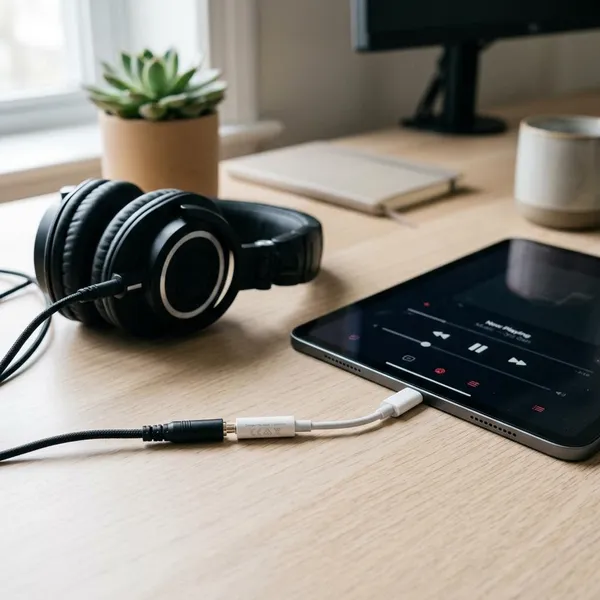
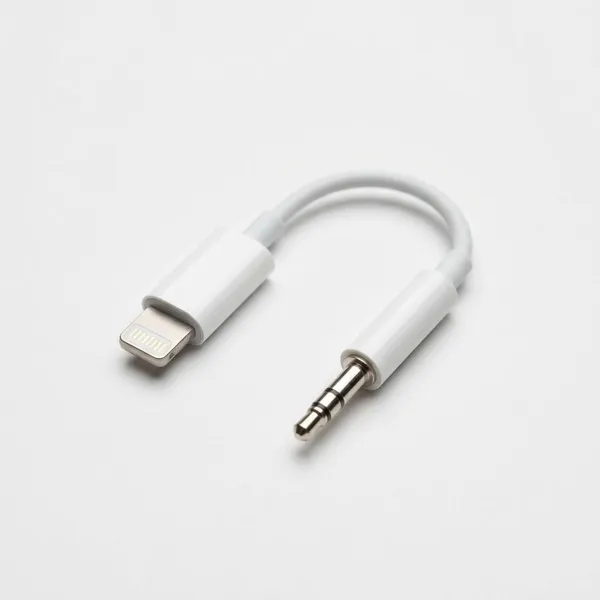
If your Apple device still uses Lightning, the apple lightning to 3.5 mm headphone jack adapter can let you keep using wired headphones, earbuds, car AUX cables, and older speakers. The main check is simple: Lightning device first, iOS 10 or later second, and USB-C devices need a different adapter. If you are buying one now, pay close attention to microphone support and seller reliability because official Apple availability is not as easy as it used to be.
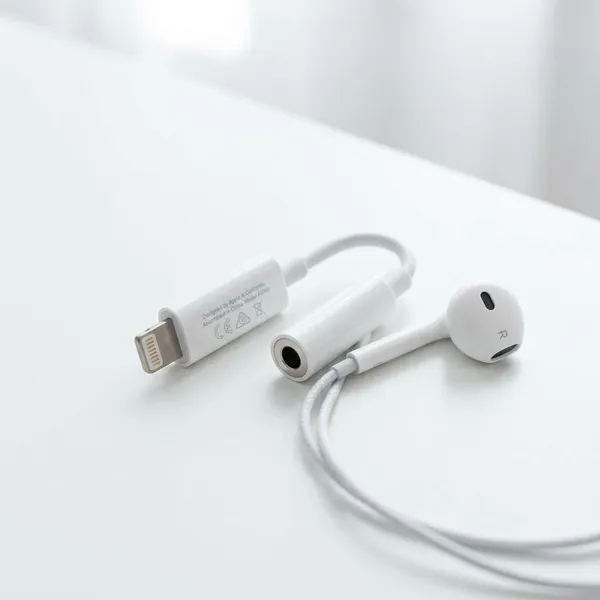
Apple Lightning to 3.5 mm Adapter at a Glance
This adapter is a small bridge between a Lightning port and a standard 3.5 mm audio plug. It is mainly useful if you still own wired audio gear that works perfectly well and you do not want to replace it with Bluetooth accessories.
- Best for: Lightning iPhones, Lightning iPads, and compatible iPod touch models.
- Not for: USB-C iPhones, newer USB-C iPads, or laptops with USB-C ports.
- Main risk when buying: choosing a cheap adapter that supports music but not microphone input.
- Worth considering: a charge-and-audio version if you listen for long sessions.
Connects 3.5 mm audio to Lightning devices
The adapter lets a Lightning Apple device send sound to accessories with a normal 3.5 mm plug. That includes the kind of wired headphones, AUX cables, and speaker inputs many people already have at home, in a drawer, or in an older car.
Works with iOS 10 or later
Apple's Lightning headphone adapter was made for compatible devices running iOS 10 or later. If the device is very old, has not been updated in years, or has a damaged Lightning port, the adapter may not behave reliably even if the plug fits.
Designed for older Apple devices
This accessory makes the most sense for older Apple devices that still have Lightning but no built-in headphone jack. A common example is keeping an older iPhone in the car for music and navigation audio through AUX instead of setting up Bluetooth every time.
Official Apple availability is now limited
Apple's original adapter may be harder to find depending on the store or region. That does not mean every third-party option is bad, but it does mean you should read the listing more carefully than you would for a simple cable.
- Choose Apple's version if you can find it at a fair price and want the lowest compatibility risk.
- Choose third-party if Apple's adapter is unavailable, but only when the listing clearly mentions your device type and microphone support if needed.
- Avoid vague listings that say "for all iPhones" without naming Lightning, iOS support, or audio features.
Which Devices Work with the Lightning Headphone Adapter?
The adapter works with Apple devices that have a Lightning port and compatible software. The port matters more than the product name, especially now that Apple devices do not all use the same connector.
Before buying, turn the device over and check the charging port shape. A Lightning port is smaller and Apple-specific; a USB-C port is wider and rounded on both sides. If you are buying for someone else, ask for the exact model or a photo of the port instead of guessing.
Lightning iPhones with iOS 10 or later
Many Lightning iPhones can use the adapter if they run iOS 10 or later. It is especially useful on iPhone models that removed the headphone jack but still charge through Lightning.
For casual music listening, almost any reliable adapter with audio output may be fine. For calls, voice notes, or online meetings, check microphone support before buying because that is where cheaper adapters most often fall short.
Lightning iPads with iOS 10 or later
Lightning iPads with compatible software can also use this type of adapter. It can be handy for watching videos, joining classes, or using wired headphones with an older tablet that still works well.
Do not assume every iPad uses Lightning. Many newer iPads use USB-C, and a Lightning adapter will not fit them.
Lightning iPod touch models
Compatible Lightning iPod touch models can use the adapter for ordinary wired listening. This is a practical low-cost setup for offline music, children's media use, or travel when you do not want to worry about charging wireless earbuds.
USB-C devices need a different adapter
A USB-C iPhone, USB-C iPad, MacBook, or Android device needs a USB-C to 3.5 mm adapter instead. The Lightning version is not interchangeable, and forcing the wrong product into the buying decision usually leads to a return.
- If the device charges with Lightning: shop for a Lightning to 3.5 mm adapter.
- If the device charges with USB-C: shop for a USB-C to 3.5 mm adapter.
- If you need calls: confirm microphone input, not just audio playback.
What Can You Use the Adapter For?
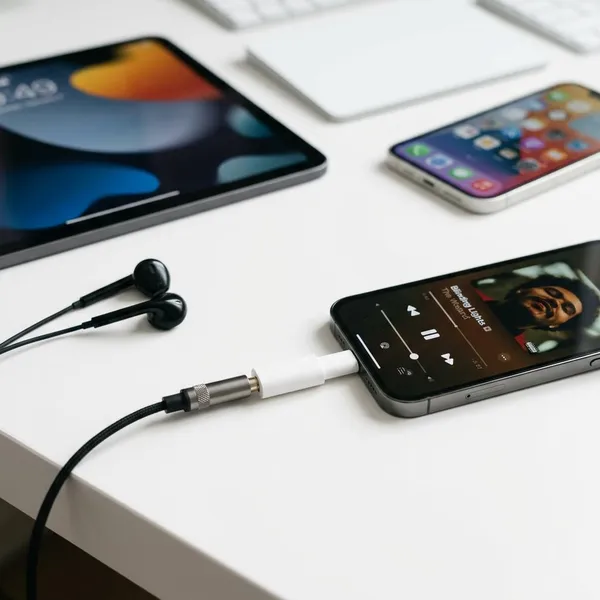
The adapter is mainly for simple wired audio, but the exact experience depends on what you connect to it. Headphones and AUX cables are usually straightforward; microphones and inline buttons require more careful checking.
3.5 mm wired headphones
Standard 3.5 mm wired headphones are the easiest use case. Plug the headphones into the adapter, connect the adapter to the Lightning device, and the sound should route through the headphones on a compatible device.
Wired earbuds with a microphone
Wired earbuds with an inline microphone may work, but only if the adapter passes microphone input. Apple's original adapter was generally dependable for this on supported devices, while third-party models vary.
If the adapter is for phone calls, remote meetings, or voice recording, look for buyer reviews that specifically mention calls or mic use. Reviews that only say "sound works" do not prove the microphone will work.
Car AUX connections
Car AUX is one of the most practical reasons to own this adapter. Connect the adapter to the Lightning device, plug a 3.5 mm AUX cable into the adapter, connect the other end to the car's AUX port, then switch the stereo source to AUX.
Speakers with a 3.5 mm input
The adapter can also feed sound into desktop speakers, portable speakers, or older stereo equipment with a 3.5 mm input. This is a good low-risk use case because it usually needs audio output only, not microphone support.
How to Choose a Lightning to 3.5 mm Adapter
Start with compatibility, then decide which features matter for your actual use. A cheap adapter that only works for music may be acceptable for a spare pair of headphones, but it is a poor choice if you need reliable calls, daily car use, or charging while listening.
Confirm your device has Lightning
Check the physical port before comparing prices. If it is Lightning, this adapter category may be right; if it is USB-C, stop and buy the USB-C version instead.
Check audio and microphone support
Audio output and microphone input are not the same feature. If you only listen to music, stereo audio support may be enough. If you use wired earbuds for calls, meetings, or voice memos, the listing should clearly mention microphone support.
- Music only: audio output support is the key feature.
- Calls and meetings: microphone input matters more than price.
- Inline buttons: volume and call controls may vary by adapter and earbuds.
Look for reliable device compatibility
A trustworthy listing should name the device family clearly, such as Lightning iPhone, Lightning iPad, or iPod touch. Be careful with broad claims like "works with all phones," because that often hides the difference between Lightning and USB-C.
When choosing between an official Apple adapter and a third-party Lightning to 3.5 mm adapter, the real question is predictability. Apple's version is usually the safer pick when available; a third-party option needs clear compatibility details and recent reviews to earn the same confidence.
Decide if charging while listening matters
A basic adapter is fine for short listening sessions. If you use navigation on long drives, stream video for hours, or keep an older phone connected as a music player, a splitter-style adapter with charging and audio may be more practical.
Be more cautious with charge-and-audio adapters than with simple ones. They do more work, so seller quality, heat complaints, charging reliability, and microphone support are worth checking before you buy.
Buy from a trusted seller
Buy from a seller that gives clear compatibility information, realistic photos, recent reviews, and a usable return policy. The cheapest listing is not a bargain if it drops audio, fails after a week, or cannot handle the feature you bought it for.
- Match the port first: Lightning adapter for Lightning devices only.
- Match the use case: music, calls, car AUX, speakers, or charging while listening.
- Read recent reviews: look for people using it the same way you plan to use it.
- Check return terms: especially when buying a third-party adapter.
Conclusion
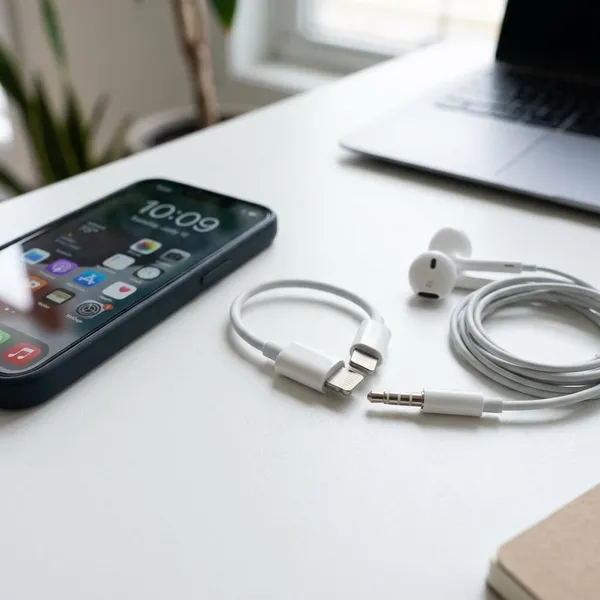
The safest choice is to buy this adapter only when you have confirmed a Lightning port and know what you need it to do. For simple wired listening or car AUX, a good adapter can keep older gear useful for very little money; for calls, daily use, or charging while listening, spend more time checking features and seller quality before ordering.