If you want one stabilizer for both a phone and a small action camera, a 3 axis gimbal for smartphones and action cameras only makes sense if it fits your actual devices, mounts, and filming style. Start with compatibility and total mounted weight before looking at tracking features. A light hybrid model is usually better for travel and casual vlogging, while heavier setups need more motor headroom and a less fiddly mounting system.
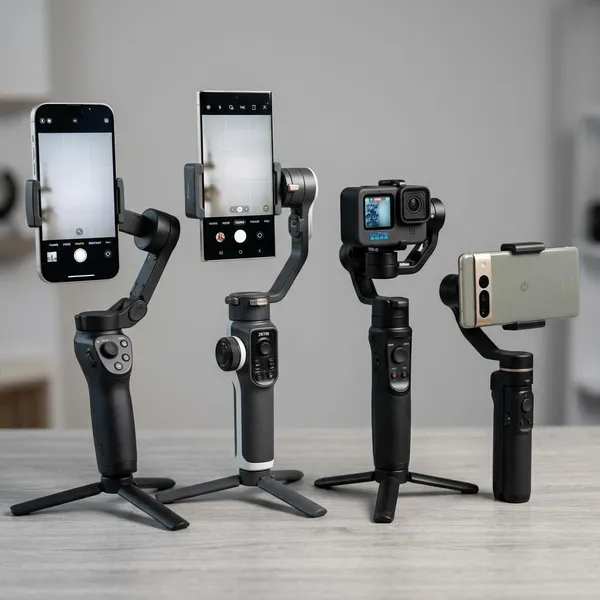
Which Gimbal Fits Your Setup?
The right choice depends less on the product name and more on what you actually mount most often. A weekend travel shooter using a phone and occasional action camera has different needs from someone filming solo tutorials with tracking, or someone adding a case, mic receiver, and small accessories.
Choose the MT2 for travel and vlogging
Choose the MT2 if your main priority is a compact hybrid setup for travel, daily vlogs, and quick clips. It is the more practical direction when you want to switch between a phone and a small camera without packing separate stabilizers.
- Best fit: city trips, airport days, family videos, short social clips, and lightweight vlogging.
- Watch out: check your phone case, clamp, and action camera mount before assuming everything fits.
- Not ideal: if your setup includes heavier accessories or you often film with a larger rig.
Choose the SCORP Mini 2 for heavier gear
The SCORP Mini 2 is the safer choice when your setup is no longer "just a phone." A large smartphone, thick case, filter, cage, mic receiver, or action camera adapter can push a smaller gimbal closer to its limit, even if the bare device is listed as compatible.
Choose the MT2 Kit for flexible AI tracking
The MT2 Kit makes sense if tracking is part of how you film, not just a feature you might try once. Solo creators filming cooking, fitness, dance practice, home demos, or talking-head clips often benefit more from reliable subject following than from extra shooting modes.
Choose the SCORP Mini 2 for app-free tracking
Pick the SCORP Mini 2 if you want tracking without building the whole shoot around a mobile app. App-free tracking can be a big convenience when you want to use the phone's native camera, reduce pairing steps, or set up quickly before a take.
Choose a phone gimbal for phone-only filming
A dedicated phone gimbal is usually the better buy if you never plan to mount an action camera. It is often lighter, quicker to balance, and more closely tied to smartphone controls such as record buttons, zoom, gesture control, or panorama modes.
For someone filming birthdays, vacations, restaurant clips, or simple social videos, that simplicity is valuable. A hybrid gimbal only earns its place if you will actually use more than one device type.
Choose an action camera gimbal for outdoor use
An action camera gimbal is worth considering when your main footage comes from hiking, cycling, skiing, trail walks, or wet and dusty outdoor conditions. The fit is usually more secure for a GoPro-style camera, and the controls may be easier to manage when you are moving.
If your phone is only a backup and your action camera is the main tool, buy around the action camera first. Phone support is nice, but it should not come at the cost of a loose mount or awkward outdoor handling.
What to Check Before Buying a 3 Axis Gimbal
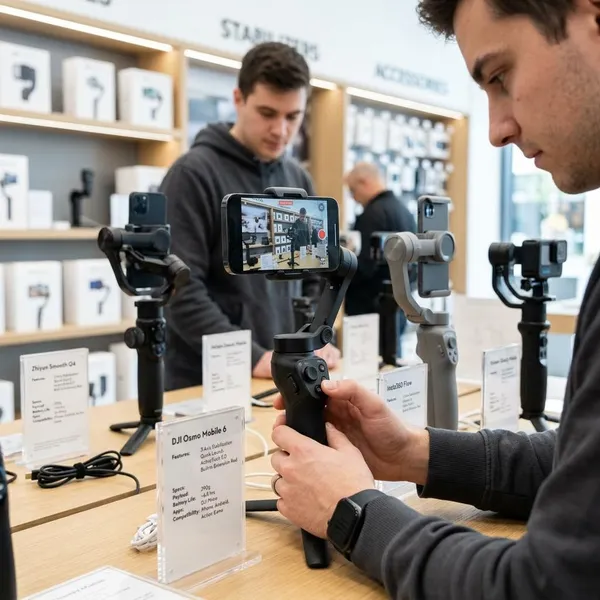
The first check is physical fit, not battery life, shooting modes, or brand reputation. If the clamp does not hold your phone with its real case, or the action camera needs an adapter you did not buy, the rest of the features do not matter much.
- Fit: phone width, thickness, and exact action camera support.
- Mounted weight: device plus case, clamp, adapter, filter, mic receiver, or cage.
- Workflow: tracking method, camera controls, and app dependence.
- Carry comfort: folded size, grip feel, and battery life for your normal filming day.
- Box contents: confirm the mounts and modules are included, not optional extras.
Supported phone width and thickness
Measure the phone the way you actually use it. A phone that fits without a case may become too wide or too thick once you add a rugged case, magnetic ring, lens filter, or wallet-style cover.
If more than one person in your household may use the gimbal, check every phone, not just the newest one. A shared travel gimbal is only convenient if it fits the devices people will really bring.
Supported action camera models
Action camera support should be checked by exact model, not by general phrases such as "GoPro compatible" or "works with action cameras." Body shape, lens position, weight, and mounting points can change between brands and generations.
If you upgrade cameras often, a flexible hybrid system may be less risky than a very specific mount. If you keep one camera for years, a dedicated action camera setup can feel cleaner and faster.
Required clamps and adapters
Adapters are easy to overlook, but they decide whether a hybrid gimbal is actually useful on day one. Check whether the phone clamp, action camera mount, tracking module, mini tripod, and cables are included in the package you are buying.
- Before ordering: compare the product page with the official kit contents.
- For action cameras: confirm whether the mount is included or sold separately.
- For switching devices: look for a setup that does not take several minutes to rebuild.
Maximum payload
Payload means the full weight the motors have to control, not just the weight of the phone or camera. Add the case, clamp, adapter, filter, cage, mic receiver, and anything else attached while filming.
Tracking method
Tracking can be app-based, hardware-based, or a mix of both. App-based tracking is fine for casual phone filming, while hardware or app-free tracking is better if you want to use a native camera app, reduce setup steps, or film yourself without touching the phone between takes.
If you mostly shoot scenery, travel B-roll, or slow pans, tracking may be secondary. If you film yourself moving around a room or demonstrating something with both hands free, tracking becomes a core feature.
Battery life
Battery life should be judged against your filming pattern. A short TikTok-style session is easy on most gimbals, but a full sightseeing day, youth sports event, or long outdoor shoot can drain power faster because the motors, tracking, and phone screen stay active.
Folded size and weight
A smaller gimbal is more likely to leave the house with you. If it feels bulky in a day bag or tiring after 20 minutes of walking, you may stop using it even if the footage looks good.
How to Choose the Right Gimbal
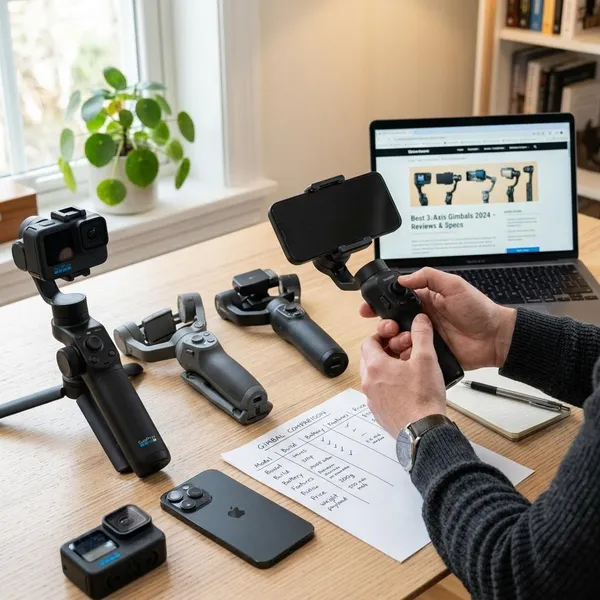
The easiest way to choose is to work backward from your real kit. Do not start with the model that has the most modes; start with the devices, accessories, and filming situations you already know you use.
List every device you plan to use
Write down your main phone, backup phone, action camera, and any camera you realistically expect to mount in the next year. Include the case or mount you normally leave attached, because that is what the gimbal has to hold.
Check each device against the compatibility list
Compare every device with the official compatibility information. Look for supported phone width and thickness, action camera model names, adapter notes, and any limits around controls or app features.
Add the weight of mounts and accessories
Add the full mounted weight before comparing payload ratings. The small pieces matter: a thick case, metal bracket, action camera adapter, filter, or mic receiver can be the difference between smooth movement and a gimbal that constantly works too hard.
- Safe direction: your setup sits comfortably below the rated payload.
- Borderline direction: your setup is close to the limit before accessories are added.
- Bad sign: the gimbal balances only when you remove the case or skip the mount you planned to use.
Compare tracking and camera controls
Choose tracking based on how you film, not how impressive the feature sounds. Solo creators should care about follow reliability, gesture control, and whether tracking works without forcing them into an unwanted app.
Phone-first users should also check record, zoom, and mode controls. Some functions may work only in the brand's app or only with certain phone systems, so it is worth checking before assuming every button will behave the same way.
Choose the lightest suitable model
Once compatibility and payload are safe, choose the lightest model that still does the job. Comfort has a direct effect on how often you use the gimbal, especially during travel, long walks, and quick everyday filming.
Do not go lighter if it creates a compromise you will notice every time, such as weak payload headroom or an awkward adapter. The best choice is the lightest suitable option, not simply the smallest one.
Confirm what comes in the box
Check the exact package before you compare final prices. A cheaper listing may leave out the action camera mount, tracking module, tripod, carry case, or cable you assumed was included.
Conclusion
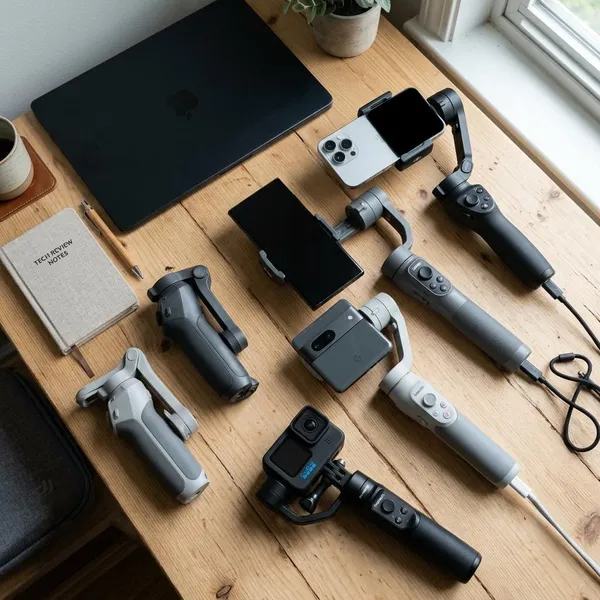
The best choice is the gimbal that fits your real setup with a little room to spare. If you film only on a phone, keep it simple and go phone-first; if you switch between a phone and an action camera, make sure the hybrid kit includes the right mounts and enough payload headroom. Tracking, battery life, and folded size matter, but they come after the basic question: will this gimbal hold the gear you actually use without making filming harder?