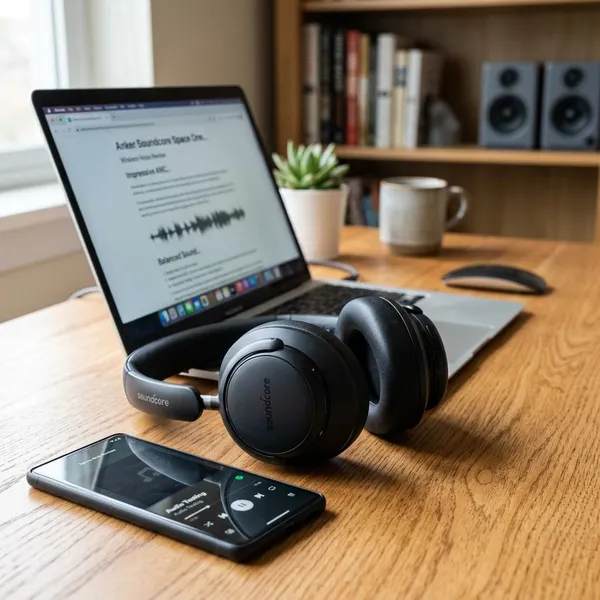
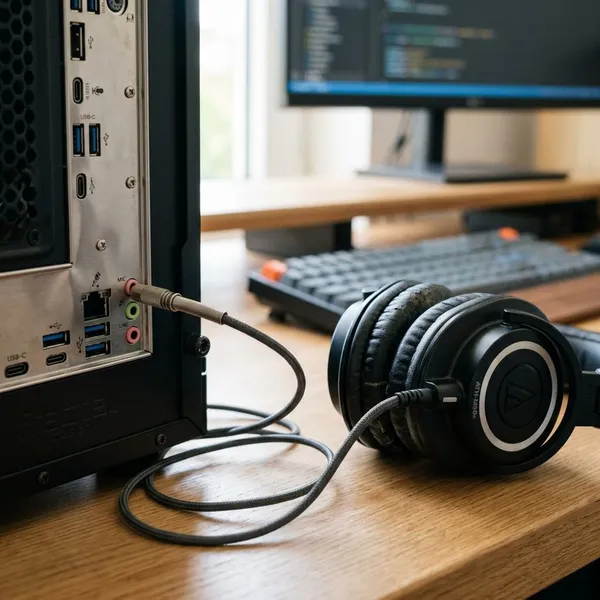
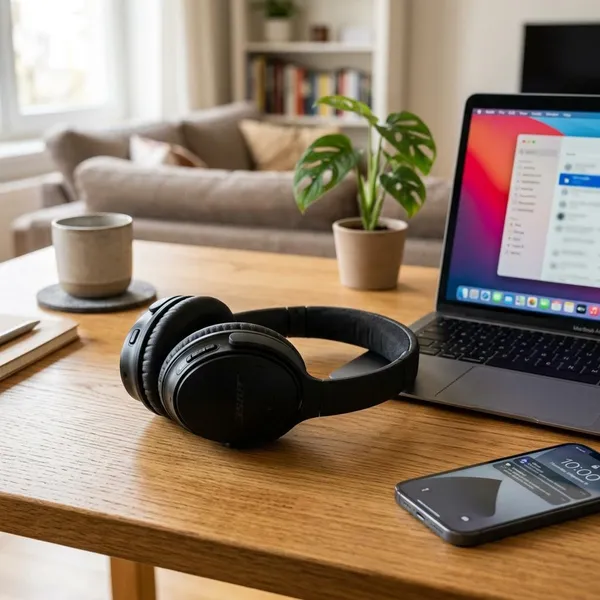
A 3.5mm to XLR headphone cable can work for sending phone or laptop playback into pro audio gear, but it is not a safe universal adapter. The first things to check are the XLR input type, whether phantom power is off, and whether you need mono or stereo audio. If the setup involves a mixer across the room, an XLR microphone, or a noisy laptop charger, a DI box, isolator, or audio interface is usually the better choice.
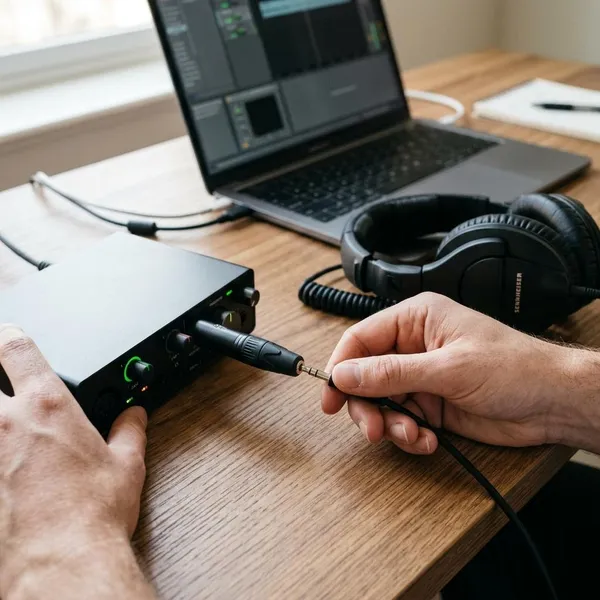
Can You Use a 3.5mm to XLR Headphone Cable?
Yes, but only for the right direction of signal. A 3.5mm headphone jack normally sends unbalanced consumer audio out of a phone, tablet, or laptop. An XLR input may be expecting mic level, line level, or a balanced signal, so matching the plug shape is not enough.
For a quick, low-risk setup, such as a laptop beside a powered speaker for a small meeting, a direct cable may be fine. For a formal event, a long cable run, or gear you do not control, treat the cable as the last option rather than the safest one.
Use it for a phone or laptop audio output
This is the most sensible use. A phone, tablet, or laptop can send music, video sound, presentation audio, or backing tracks into compatible audio equipment through the headphone output. Start with the device volume low, because a headphone output can overload a sensitive XLR mic input faster than expected.
Use it with compatible mixer or speaker inputs
Check the input label before plugging in. If the mixer, recorder, or powered speaker has an XLR input that can accept line-level signals, has a pad switch, or uses a combo input with flexible gain, the connection is more likely to behave well.
Avoid it for most XLR microphones
A 3.5mm to XLR cable is not the right tool for connecting most XLR microphones to a phone or laptop headphone jack. A microphone needs a proper input, mic preamp gain, and sometimes phantom power. A passive cable only changes the connector; it does not turn a headphone output into a recording interface.
- For podcasting or voiceover: use an audio interface.
- For live sound: use a mixer with real XLR mic inputs.
- For condenser microphones: confirm the required power method before buying adapters.
Avoid it when phantom power cannot be disabled
Phantom power is meant for condenser microphones and some active DI boxes, not for headphone outputs on consumer devices. If a mixer sends phantom power globally to all XLR inputs and you cannot turn it off, do not connect a phone or laptop directly with only a cable.
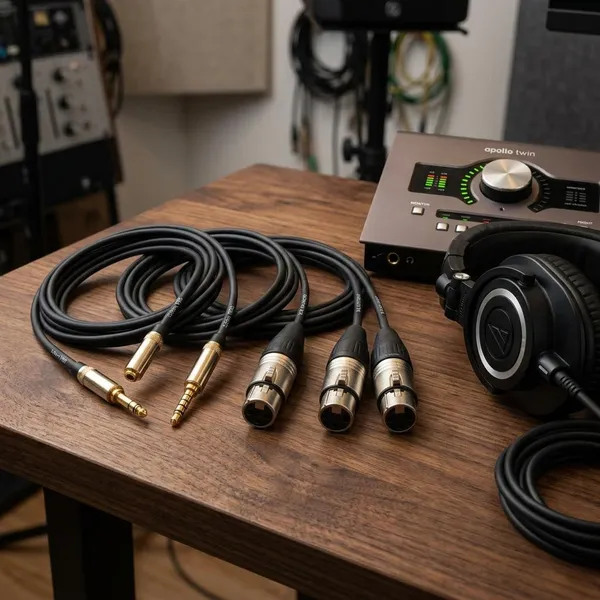
Which 3.5mm to XLR Connection Should You Use?
Choose the connection based on distance, noise risk, and whether the audio must stay stereo. A direct cable is convenient for short runs, but a DI box or isolator becomes more useful as soon as the setup moves beyond a simple nearby speaker.
| Situation | Better choice | Why it helps |
|---|---|---|
| Phone beside a small powered speaker | Direct cable | Simple and usually low risk if phantom power is off |
| Laptop feeding a venue mixer | Stereo DI box | Handles longer runs and keeps left/right channels available |
| Buzz appears when charging a laptop | Isolator | Helps break ground-loop noise |
| XLR microphone into a computer | Audio interface | Provides mic gain, monitoring, and phantom power when needed |
Use a direct cable for short runs
For a desk, classroom, or home setup where the source is close to the mixer or speaker, a direct 3.5mm to XLR cable can be enough. Keep the cable run short, turn levels down first, and avoid using it on an XLR input with phantom power enabled.
If the audio is only speech from a laptop video call or a quick playlist for a small room, convenience may matter more than perfect signal balancing. If the cable has to cross a stage or pass near power cables, move up to a DI box.
Use a stereo DI box for mixers and PA systems
When the signal is going into a PA system, church mixer, school auditorium, or event sound desk, a stereo DI box is usually the cleaner choice. It converts the unbalanced 3.5mm output into balanced XLR outputs that are better suited to longer cable runs.
It also gives the sound operator a more normal input to work with. That matters when the setup needs to run for hours, not just for a quick test.
Use an isolator to reduce hum
Hum that appears only when a laptop charger, projector, or USB hub is connected often points to a ground-loop problem. An audio isolator can reduce that noise without forcing you to replace the whole setup.
Use dual XLR outputs for stereo playback
If the content is music, video, or backing tracks, use a cable or DI box with separate left and right XLR outputs. A single XLR connector is normally one mono path, while a 3.5mm headphone jack usually carries stereo.
Mono can be acceptable for speech or announcements. For music playback, collapsing stereo badly can make parts of the mix sound weak or missing, especially with tracks that have wide panning.
Use an audio interface for XLR microphones
For an XLR microphone, skip the cable workaround and use an audio interface. The interface gives you the correct input, gain control, and monitoring, and it can provide phantom power for condenser microphones when the mic requires it.
This is the more reliable choice for recording vocals, streaming, podcasting, interviews, or online teaching. It costs more than a cable, but it solves the real signal problem instead of only changing the connector.
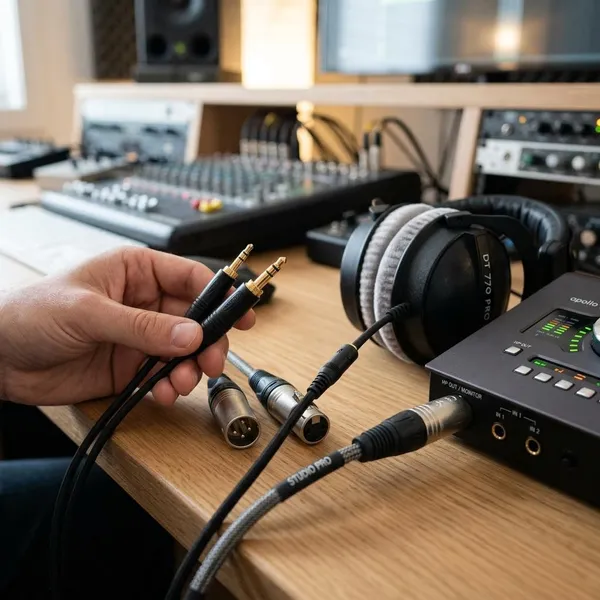
How to Connect 3.5mm to XLR Safely
Work in this order: identify the source output, identify the XLR input, decide mono or stereo, turn phantom power off, lower all levels, connect, then raise volume slowly. That order prevents most sudden noise, overload, and "why is one side missing?" problems.
Check the 3.5mm output type
Find out whether the 3.5mm jack is a standard headphone output, a line output, or a headset-style combo jack. A normal headphone output is common on laptops and older phones, while some devices need a USB-C or Lightning audio adapter. If a phone case or dongle prevents the plug from seating fully, you may get crackling, low level, or one missing channel.
Check the XLR input type
Look for labels such as mic, line, pad, combo, or input sensitivity. A line-capable input is the easiest match for playback audio. A mic-only XLR input may overload quickly, so keep gain very low or use a DI box if the sound becomes harsh even at modest volume.
Choose mono or stereo output
Decide this before buying the cable. For a speech-only presentation, mono is often fine. For music, video playback, or backing tracks, choose dual XLR outputs or a stereo DI box so the left and right channels do not disappear or combine badly.
Turn off phantom power
Switch phantom power off before connecting a phone, tablet, or laptop to an XLR input. If phantom power is global and other microphones need it, avoid a direct cable on that mixer. A DI box or isolating interface is the more cautious choice.
Lower the source volume and input gain
Bring the phone or laptop volume down and lower the mixer gain, channel level, or speaker input control. This protects listeners and speakers from loud pops or clipped test audio. A safe starting point is not a fixed number; it is a quiet signal you can raise while watching meters or listening for strain.
Connect the cable or DI box
Plug the 3.5mm end fully into the source first, then connect the XLR side or DI outputs to the destination. With a stereo DI box, the usual path is source device to DI input, then left and right XLR outputs to two mixer channels. Labeling the two channels helps avoid swapping left and right during a rushed event setup.
Raise the levels slowly
Play audio you know well and raise levels in small steps. If you hear distortion, reduce the source volume or check whether the XLR input is too sensitive. If you hear hum, test on battery power or add isolation. If only one side plays, recheck whether the cable is mono, stereo, or dual-output.
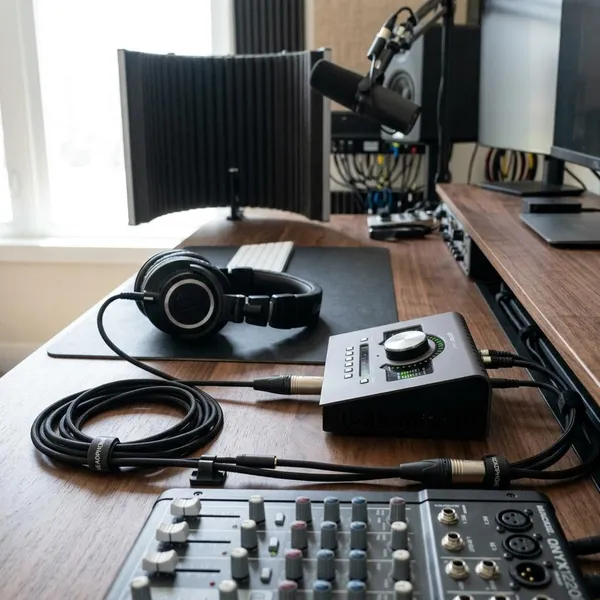
Conclusion
A direct cable is fine for simple playback when the XLR input is compatible, phantom power is off, and the run is short. For a cleaner or more dependable setup, especially with PA systems, long runs, stereo music, or unknown venue gear, a stereo DI box or isolator is the safer bet. If the goal is using an XLR microphone, do not fight the signal path with adapters; use an audio interface or mixer built for microphones.