If you want one device that can play lots of older games without rebuilding a shelf of old hardware, an all in one game console can make sense. The tricky part is that these products range from polished licensed mini consoles to cheap preloaded boxes with messy menus, weak controllers, and unclear game licensing. Start by deciding which systems you truly want to play, then judge the console by performance, controls, TV support, and library quality rather than the biggest game-count claim.
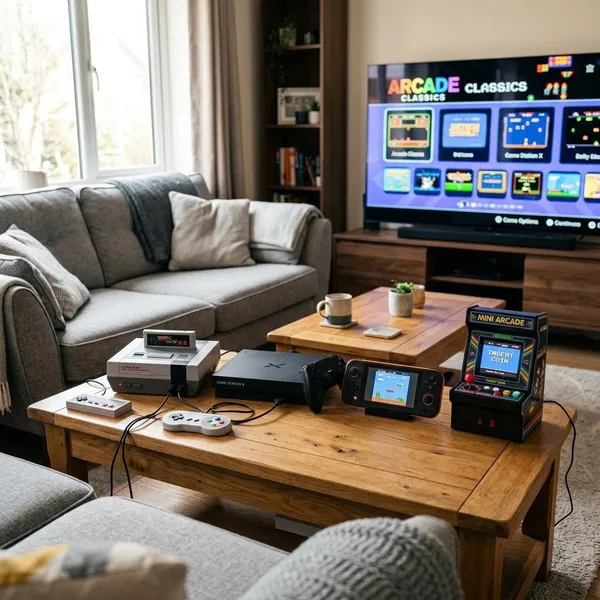
Types of All in One Game Consoles
The first decision is the format. A tiny HDMI stick is not trying to do the same job as a licensed mini console, an Android box, or a handheld with TV output. If you choose the wrong type, even a long game list will not fix the mismatch.
HDMI game sticks
HDMI game sticks plug straight into a TV and usually come with wireless controllers. They are best for very low-effort retro play in a spare room, kids' room, dorm, or holiday setup where convenience matters more than perfect performance.
- Good fit: 8-bit and 16-bit games, simple arcade titles, short casual sessions.
- Weak fit: demanding 3D systems, serious fighting games, or anything where input lag ruins timing.
- Check first: real gameplay videos, not just the number of included games.
Retro emulator boxes
Retro emulator boxes are usually the better choice if you want broader system support and a smoother living-room setup. They often have stronger hardware, better menus, extra storage options, and more controller flexibility than basic sticks.
The quality gap between models is large. One box may run PlayStation 1 or some PSP titles well, while another with similar marketing may struggle. Look for evidence of stable gameplay on the exact systems you care about, especially if you want later 3D platforms.
Licensed mini consoles
Licensed mini consoles are the safest option for buyers who want a clean, legal, plug-and-play experience. The libraries are usually smaller, but the games are officially included, the menus are tidier, and the controllers often feel more reliable than generic bundles.
Android gaming boxes
An Android gaming box can be useful if you want one TV device for apps, cloud gaming, media streaming, and some retro emulation. It suits a more hands-on buyer who does not mind installing apps, signing in to services, mapping controllers, and adjusting settings.
Retro handhelds with TV output
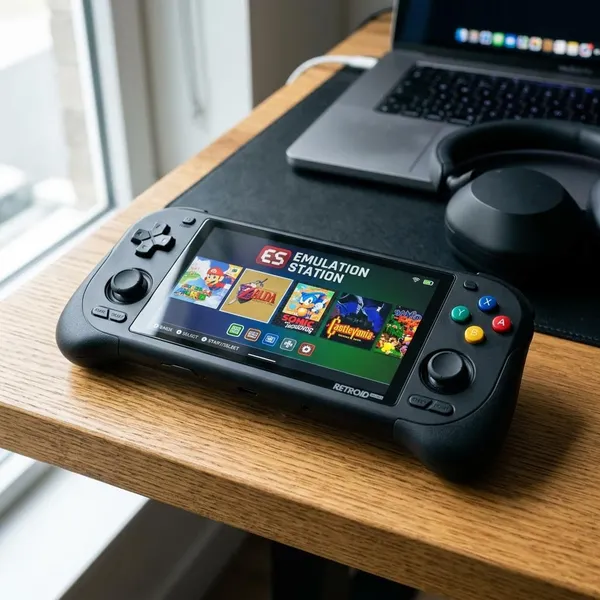
A retro handheld with TV output is a good compromise for someone who plays on the couch sometimes but also wants gaming on trips, commutes, or around the house. It is usually a portable-first device that can double as a TV console when needed.
Is an All in One Game Console Worth It?
It is worth it when you value convenience, quick access, and casual fun more than perfect accuracy or deep customization. It is less appealing if you want original-hardware precision, fully verified game licensing across a huge library, or advanced settings for every emulator.
Good for easy retro gaming
For replaying older platformers, puzzle games, arcade titles, and local multiplayer classics, these consoles can be a practical shortcut. They remove the need for original cartridges, aging consoles, adapters, and TV compatibility work.
The safe expectation is that older 2D systems are usually easier to handle than later 3D systems. If a product claims support for many advanced platforms at a very low price, treat that as something to verify, not something to trust automatically.
Good for casual and family play
Families and casual players often care less about rare features and more about whether everyone can start playing in two minutes. A console with two dependable controllers, a favorites menu, and easy-to-find multiplayer games may be more enjoyable than a more powerful device with a confusing interface.
Good for one-device convenience
This is where all-in-one systems make the most everyday sense. In a small apartment, dorm room, bedroom, or shared family space, one compact device can avoid cable clutter and make casual gaming easier to keep connected.
What to Check Before Buying
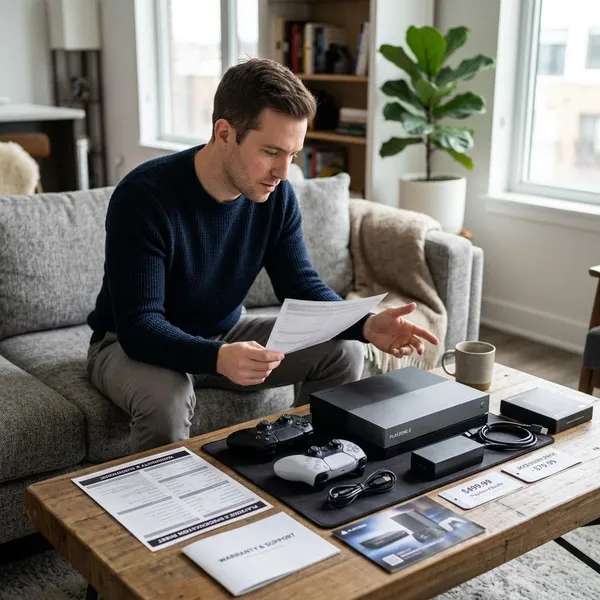
The most important checks are not the flashy ones. First confirm the systems you want, then look for real performance proof, usable controllers, save features, and a menu that will not make browsing painful.
| Buying priority | What it tells you | Why it matters |
|---|---|---|
| Supported systems | Which platforms the device claims to run | Prevents buying a console that misses your favorite era |
| Gameplay performance | Whether games run smoothly in real use | Marketing support does not guarantee playable results |
| Controllers and saves | How comfortable and practical the console feels | These affect every session, not just setup day |
| Library transparency | What games are included and how they are sourced | Helps avoid padded lists and legal uncertainty |
HDMI and TV support
For most retro games, a stable 720p or 1080p output is usually more important than high-resolution marketing. You want a clean picture, readable menus, and a connection that works with your current TV without extra converters.
Also check aspect ratio settings. Many older games look better in 4:3 than stretched across a widescreen TV, so a simple display setting can make a cheap-looking setup feel much better.
Controller quality
Controllers can make or break the purchase. Mushy buttons, a poor directional pad, weak wireless range, or noticeable lag will make even a good game library feel frustrating.
If the console supports standard USB, Bluetooth, or third-party controllers, that is a strong long-term advantage. It gives you a backup plan if the bundled controllers wear out or simply feel bad.
Multiplayer support
For couch play, check more than whether two controllers are in the box. Look at pairing reliability, controller range, extra controller support, and whether the menu makes multiplayer games easy to find.
Storage and save features
Save states are one of the most useful modern features on retro consoles because they let you pause real life and continue later. For adults playing in short sessions, that can matter more than having thousands of extra games.
Expandable storage is useful if you want to personalize the library, but only if the process is clear. A microSD slot or USB option sounds good; a confusing file system with no instructions may not help much.
Software and menu quality
A clean menu turns a large library into something you will actually use. Look for platform categories, favorites, recent games, search, clear artwork, and fast scrolling.
How to Judge the Game Library
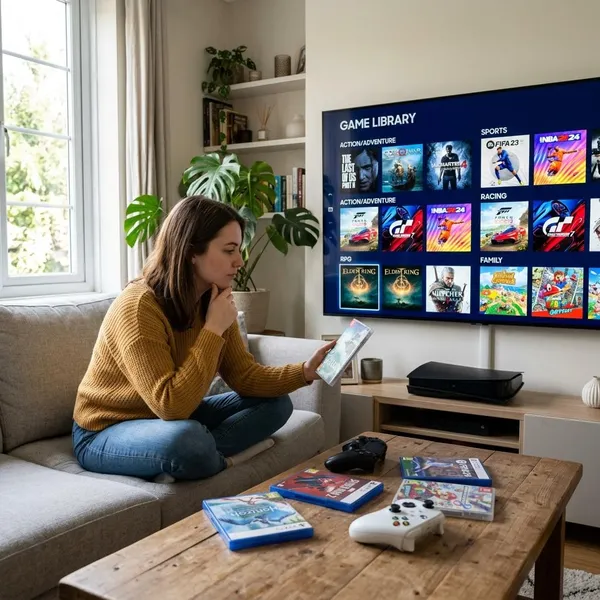
The game library is where many buyers get misled. A smaller list of games you recognize and can find easily is usually better than a huge library padded with duplicates, regional copies, hacks, and titles you will never open.
Check game quality before game count
A high game count is only useful if the library contains games you want to play. Ask the seller for a game list, check customer photos, or watch menu walkthroughs. If you cannot identify several titles you would actually start today, the number is not doing much for you.
Look for duplicate titles
Duplicates often appear as different regions, alternate names, modified versions, or repeated entries across categories. They make a console look better on paper while making the menu harder to use.
If reviews mention "lots of repeats" or "hard to find the real games," take that seriously. Duplicate-heavy libraries are especially annoying for family use, where nobody wants to scroll through five versions of the same title.
Confirm which systems are supported
The included games should match the systems you care about, not just inflate the total. Some devices include many obscure or lightweight games while offering weak support for the platforms buyers expect most.
- For 8-bit and 16-bit games: many budget devices may be acceptable.
- For PlayStation 1: look for gameplay proof, not just a logo.
- For Nintendo 64, PSP, or Dreamcast: be much more cautious with cheap hardware.
Check whether more games can be added
Some consoles allow extra games through microSD cards, USB drives, or accessible internal storage. Others are fixed systems with no realistic expansion path.
Verify how the included games are licensed
Game licensing deserves a careful look. Official mini consoles usually explain their included games clearly, while many generic preloaded devices make vague claims about thousands of famous titles without saying how those games are licensed.
If legal clarity matters to you, favor official branding, named publishers, transparent game lists, and reputable sellers. If a listing avoids details, that does not automatically prove a problem, but it is a sensible reason to be cautious.
Conclusion
The best choice is usually the console that fits your real use, not the one with the loudest promise. For a simple gift or family setup, choose clean menus, decent controllers, and an honest library; for regular retro play, prioritize stronger emulation, save features, and controller options. If a product cannot clearly show what systems it supports, how games perform, and where the library comes from, keep looking.