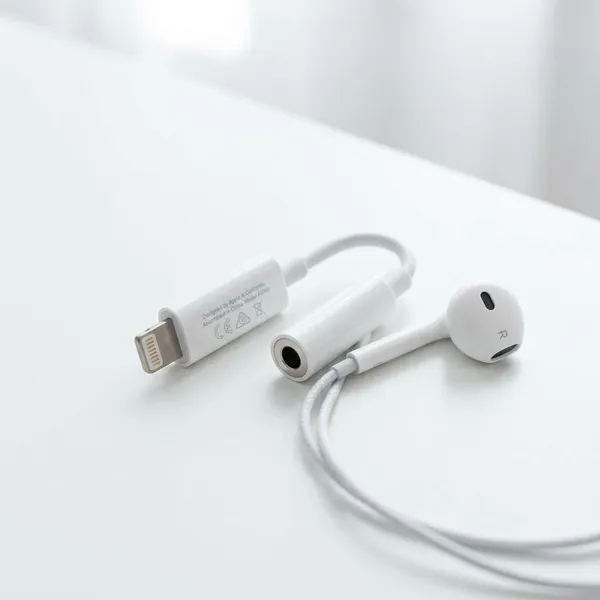
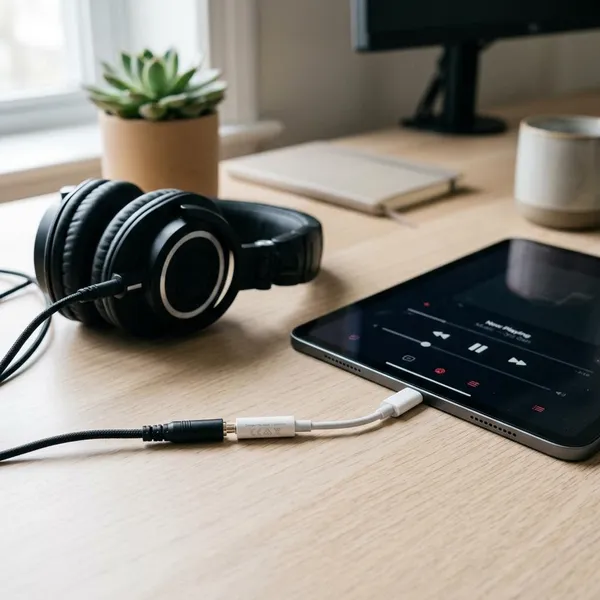
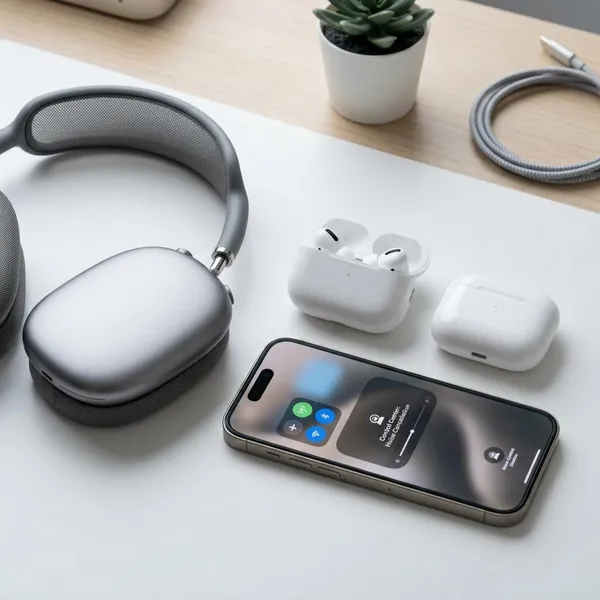
If your iPhone or iPad has no headphone jack, the right apple headphone adapter is the one that matches the charging port on the device: USB-C for newer models, Lightning for older ones. After that, decide whether you only need a 3.5mm headphone jack or whether you also need to charge while listening.
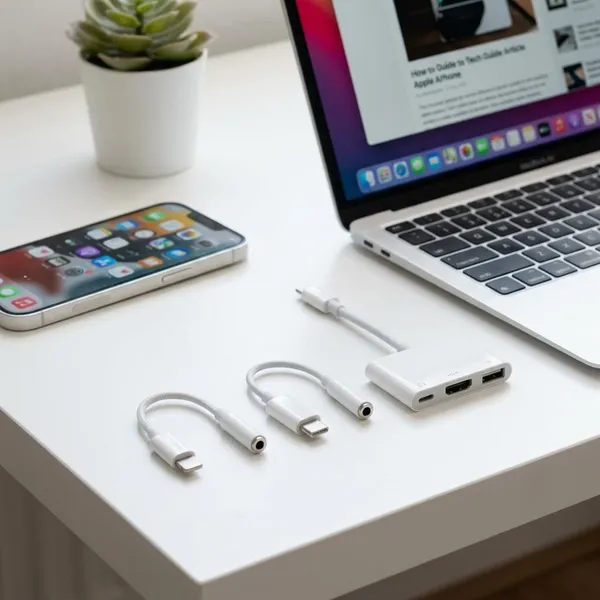
Which Apple Headphone Adapter Do You Need?
Start with the port, not the headphones. If your headphones have the normal round 3.5mm plug, your Apple device needs an adapter that turns its USB-C or Lightning port into a headphone jack.
| Device situation | Adapter to look for | Best for |
|---|---|---|
| Newer iPhone with USB-C | USB-C to 3.5mm | Wired earbuds, headphones, car aux |
| Older iPhone with Lightning | Lightning to 3.5mm | Keeping older wired headphones working |
| iPad with USB-C and no headphone jack | USB-C to 3.5mm | Calls, classes, streaming, editing |
| Older iPad with Lightning | Lightning to 3.5mm, unless it already has a headphone jack | Kids' headphones, travel, FaceTime |
Apple Headphone Adapter Types
Most people only need a simple audio adapter, but there are a few versions that look similar and behave differently. The main difference is whether the adapter only gives you a headphone jack or also lets you charge at the same time.
USB-C to 3.5mm adapter
A USB-C to 3.5mm adapter fits Apple devices with a USB-C port and adds a standard headphone jack. It is the practical choice for newer iPhones and iPads when you want to keep using wired headphones.
- Choose it for simple listening: music, podcasts, videos, and car aux use.
- Check mic support: important for calls, gaming chat, voice notes, and meetings.
- Avoid charge-only USB-C dongles: they may fit the port but will not carry headphone audio.
Lightning to 3.5mm adapter
A Lightning to 3.5mm adapter does the same job for older Apple devices. It is small enough to leave in a bag or car, which is helpful if you use wired audio only occasionally but still want it to work when needed.
This is a good temporary solution for an older iPhone you plan to replace soon. If you expect to keep the phone for another year or two, spend a little more attention on build quality because the cable ends take most of the strain.
Charge-and-listen adapters
A charge-and-listen adapter is the better choice when your device has one port and you regularly run out of battery while using wired headphones. Look for the version that matches your device: Lightning for Lightning devices, USB-C for USB-C devices.
- Useful for long sessions: flights, gaming, streaming, study sessions, and work calls.
- Less important for short use: a basic 3.5mm adapter is usually enough for a quick commute.
- Feature support varies: some combo adapters charge and play audio but may not support every mic or button function.
How to Use an Apple Headphone Adapter
Using the adapter is simple, but testing it before you actually need it is worth the minute. A setup that plays music may still fail on the microphone, so check both if you plan to use it for calls.
Plug the adapter into your device
Insert the adapter fully into the iPhone or iPad port. If it feels loose, remove the case for a quick test because some thick cases stop the connector from seating all the way.
Connect your 3.5mm headphones
Push the headphone plug firmly into the adapter until it is fully seated. A half-connected plug can cause one-sided sound, static, or a microphone that seems broken.
Start audio and check the output
Play a short song, video, or voice recording. The sound should normally move from the device speaker to the wired headphones automatically; if it does not, check the audio output menu and select the connected device if it appears.
Test the microphone and controls
Record a short voice memo and play it back. Then try the play, pause, volume, or call button on the headphone cable if it has one.
This matters most before a meeting, online class, or gaming session. For casual music, audio output may be enough; for calls, a missing mic is a deal-breaker.
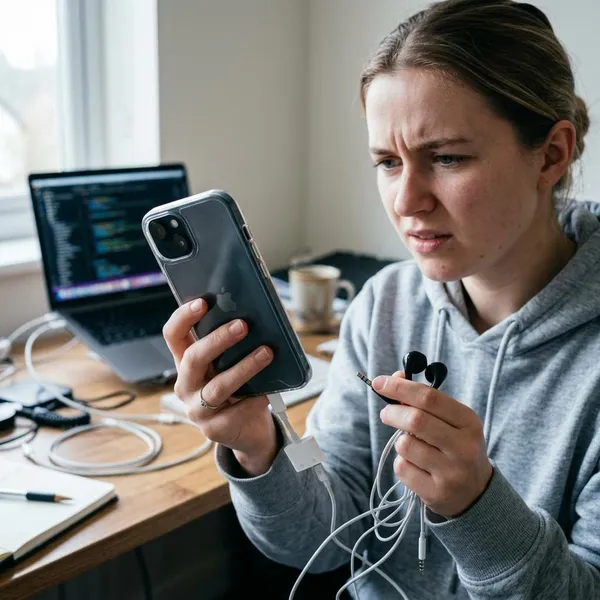
Why Is My Apple Headphone Adapter Not Working?
Most adapter problems come from a wrong connector, a loose fit, dirt in the port, unsupported mic features, or a low-quality adapter. Work through the simple checks first before replacing anything.
Check the connector type
Make sure the adapter matches the port on your device. Lightning and USB-C are not interchangeable, and some USB-C accessories are made for charging or data rather than 3.5mm audio.
Reconnect both ends
Unplug the headphones from the adapter and the adapter from the device, then reconnect both firmly. If it still fails, try plugging the headphones into the adapter first, then connect the adapter to the iPhone or iPad.
Clean the charging port
Lint in the port can stop the adapter from making a proper connection. If the adapter wiggles, cuts out when moved, or only works when pushed at an angle, inspect the port with a light.
Use a soft, non-metal tool carefully, or have the port cleaned if you are not comfortable doing it. Avoid scraping inside the connector.
Test another pair of headphones
Try a second pair of 3.5mm headphones. If the second pair works, the original headphones may have a bent plug, damaged cable, or faulty inline microphone module.
Restart and update the device
Restart the iPhone or iPad if the adapter suddenly stopped being detected. If the problem continues, check for an iOS or iPadOS update, especially when the adapter worked before and now behaves inconsistently.
Replace an incompatible adapter
If the port is clean, the headphones work elsewhere, and the device still does not detect the adapter, the adapter may be defective or incompatible. Replace it with one that clearly supports your connector type, 3.5mm audio, and microphone input if you need calls.
Conclusion
Pick the adapter by matching the port first, then match the features to your routine. A basic 3.5mm adapter is enough for occasional wired listening, while a charge-and-listen version makes more sense for long calls, travel, gaming, or any setup where battery life becomes part of the problem.