For everyday photos, smartphones are often better than cameras because they are always with you and make good-looking images with almost no work. A dedicated camera becomes the better choice when your phone keeps failing at the same things: distant subjects, fast movement, low light, heavy cropping, or portraits where you want real lens control.
Which type of camera are you comparing?
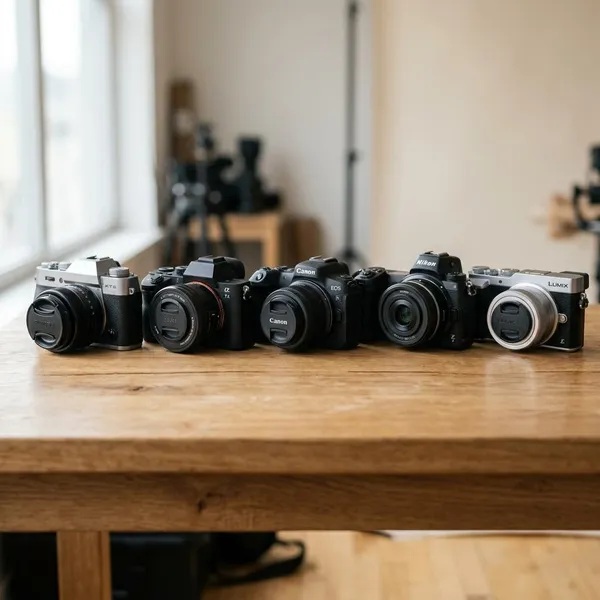
The answer changes a lot depending on the camera. A recent phone can easily beat an old budget compact, but it is not competing on equal terms with a mirrorless camera and a good lens. The useful comparison is not "phone versus camera" in general, but "phone versus the kind of camera I would actually buy or carry."
| Camera type | When a phone may be enough | When the camera still helps |
|---|---|---|
| Basic compact | Casual snapshots, food, travel, family moments | If you want simple optical zoom or physical controls |
| Premium compact or zoom camera | Quick sharing and everyday convenience | Travel, distant subjects, better files for editing |
| DSLR or mirrorless | Only if you do not want extra gear or editing | Action, portraits, low light, lenses, prints, paid work |
Where smartphones have the advantage
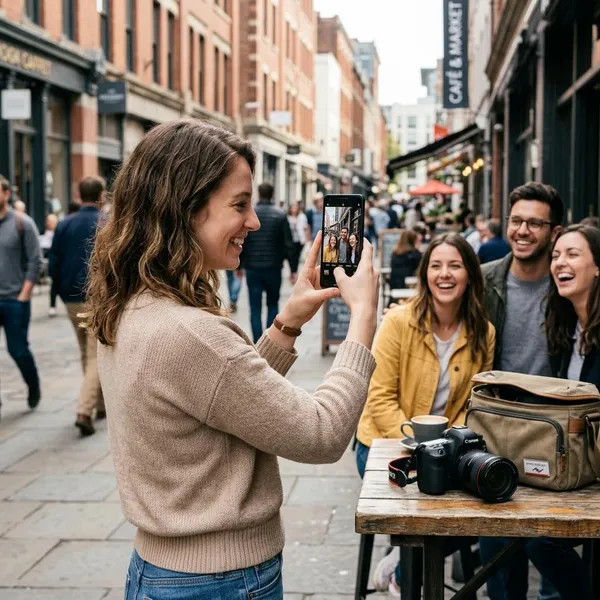
Smartphones win when the photo needs to happen quickly. They are already in your pocket, they process images automatically, and they make editing and sharing almost frictionless. For a lot of people, that matters more than owning the technically best file.
Easy everyday carrying
The biggest phone advantage is not image quality; it is availability. A child pulls a face, your dog does something ridiculous, or the light looks good for ten seconds. The camera you left at home cannot capture any of that.
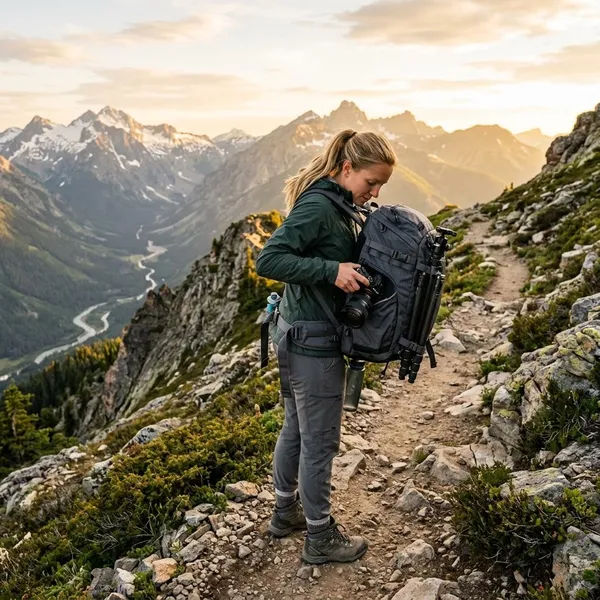
This is why phones are so strong for low-pressure photography. If you are walking around a city, going out for dinner, or visiting family, a phone feels natural and discreet. A separate camera is worth carrying only when the better result is likely to justify the extra bag, battery, and attention.
Automatic processing for quick results
Phones do a lot of hidden work before you ever see the image. They combine frames, brighten shadows, control highlights, reduce noise, sharpen detail, and often apply a polished look that works well for social media or messaging.
That automatic style can be a strength or a weakness. If you want a pleasing image right away, the phone is hard to beat. If you want a more natural file to edit carefully later, a dedicated camera may give you a cleaner starting point.
Simple editing and sharing
A phone is also the editing desk, gallery, backup tool, and sharing device. You can shoot, crop, brighten, send, and save a photo before a camera user has even transferred the file.
- Best phone scenario: birthdays, meals, travel snapshots, quick family updates, and social posts.
- Weak phone scenario: jobs or events where you need many consistent, high-quality images rather than one good-looking quick shot.
When a dedicated camera can offer more
A dedicated camera starts to matter when the subject or conditions push past what phone processing can hide. Distance, speed, dim light, fine detail, and real lens rendering are still areas where camera hardware can make a visible difference.
Photographing distant subjects
If faces look tiny at school performances or wildlife turns into a soft blur, your phone is probably running out of real reach. Optical zoom uses glass to bring the subject closer; digital zoom mostly crops and enlarges what the sensor already captured.
This is one of the clearest reasons to buy something beyond a phone. A zoom camera or a mirrorless camera with a telephoto lens can fix a specific frustration instead of offering a vague promise of "better quality."
Capturing fast action in difficult light
Fast movement indoors is hard for phones. Children running in a living room, pets jumping around, gym sports, dance recitals, and evening events all need enough shutter speed to freeze motion, not just enough brightness to make the scene visible.
A dedicated camera with stronger autofocus and a brighter lens can give you a higher keeper rate. The difference is less about one perfect sample photo and more about getting several sharp images in a row when the moment cannot be repeated.
Controlling background blur with lenses
Portrait mode can look impressive, but it still guesses where the subject ends and the background begins. Hair, glasses, hands, and busy edges can reveal the trick quickly.
Real lens blur from a larger sensor and a fast lens usually looks smoother and more reliable. If portraits matter to you, especially family portraits, headshots, close-up details, or creative work, this is one area where a camera can feel noticeably different rather than just slightly sharper.
Making large prints and heavy crops
Phone photos often look excellent on a phone screen. Problems show up when you crop hard, print larger, or view the file on a monitor. Fine textures can look smeared, artificial sharpening becomes more obvious, and shadows may not tolerate much editing.
A camera file usually gives you more usable detail and more editing room, provided the lens and technique are good. If your final use is a wall print, a photo book, or a heavy crop from a travel or wildlife shot, judge the image at that size before deciding your phone is "good enough."
How to decide whether you need a camera
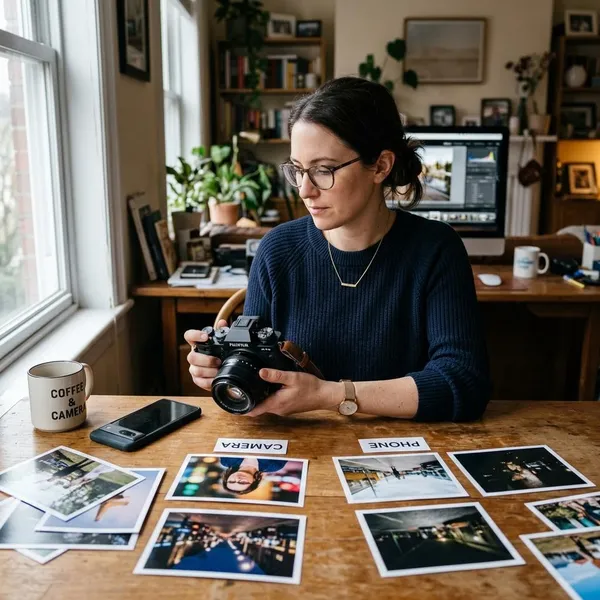
Start with your failed photos, not with camera specs. If your phone already gives you images you like at the size you use them, a camera may not improve your life much. If the same problem keeps appearing, the right camera can be a practical fix.
Identify what your phone cannot capture well
Look through your recent photos and mark the ones that disappointed you. Do not just label them "bad quality." Name the actual problem: blurry motion, weak zoom, ugly low-light texture, strange portrait edges, blown highlights, or files that fall apart when edited.
Compare results at your usual viewing size
Judge photos where they actually live. If you mostly send images in chats or post small versions online, the phone may already be doing the job well. A difference that only appears when zooming to 100 percent on a monitor may not matter to you.
Budget for the camera and any lenses
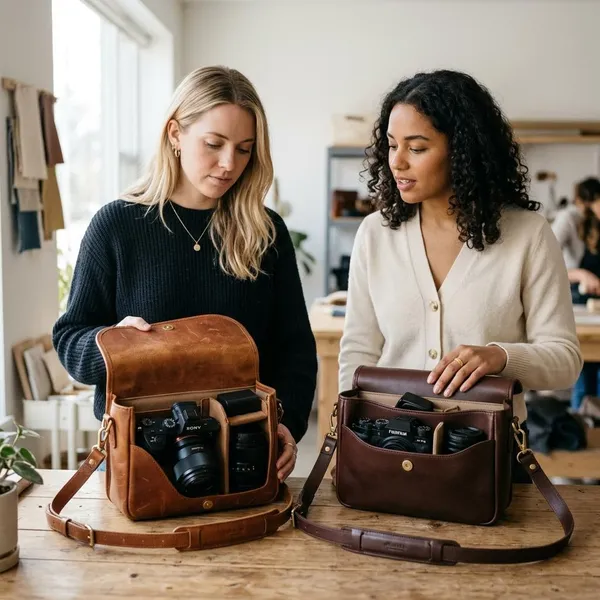
The camera body is only part of the cost. You may also need a lens, memory card, spare battery, bag, cleaning kit, or editing software. With interchangeable-lens systems, the lens often affects your results more than moving from one similar camera body to another.
- Avoid the cheap-kit trap: a basic camera with a slow kit lens may not solve low-light or portrait problems.
- Spend for the problem: reach needs a telephoto option; indoor portraits need a brighter lens.
- Count the effort too: carrying and editing are part of the real cost.
Try a camera before committing
If possible, borrow, rent, or test a camera before buying. Pay attention to how it feels after the first few minutes: grip, menus, autofocus, viewfinder, file transfer, and whether you would actually bring it with you.
A short trial can save you from buying the wrong kind of gear. You might discover that a compact zoom is enough for travel, or that a mirrorless camera makes photography more enjoyable because the controls feel direct. You might also realize that your phone is still the better fit for your habits.
Conclusion
A smartphone is the better camera for many everyday moments because it is fast, simple, and always ready. A dedicated camera is worth considering when you can point to a repeated problem your phone does not solve, such as reach, action, low light, real background blur, or files that need serious cropping and printing. If your phone already captures the photos you care about at the size you use them, keep enjoying the convenience; if it keeps missing the same shots, buy the camera that fixes that specific gap.