The best portable console is the one that matches your games first, then your patience for setup. Nintendo players should start with Switch 2, Steam users should look hard at Steam Deck OLED, Windows and Game Pass players will get more from ROG Xbox Ally X, while Switch Lite and Odin 2 Portal make more sense for budget or retro-focused buyers.
Best Portable Consoles to Buy in 2026
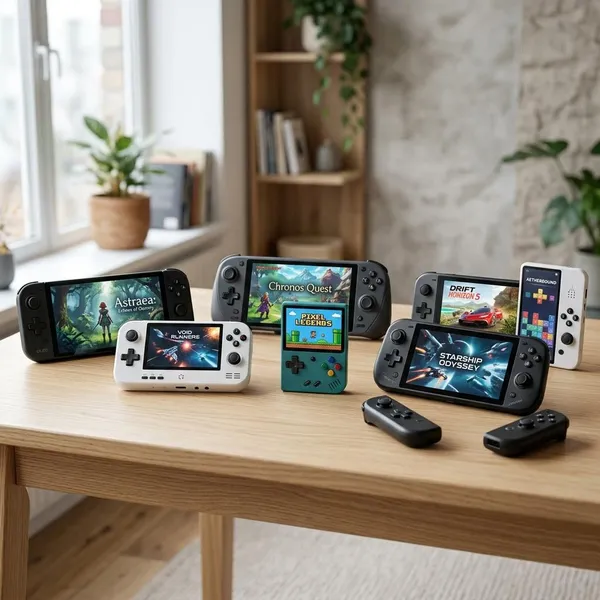
Portable gaming now splits into a few clear lanes: Nintendo consoles for simple family-friendly play, Steam handhelds for PC libraries, Windows handhelds for broader launcher support, and Android-based devices for retro gaming. The easiest mistake is buying the most powerful handheld when your favorite games are actually somewhere else.
Nintendo Switch 2 is best overall
Nintendo Switch 2 is the safest overall pick for most households because it keeps the experience simple: handheld play, TV play, local multiplayer, and Nintendo's own game library in one device. If you care about Mario, Zelda, Pokémon, Mario Kart, or easy couch play with family, this is the most natural first choice.
It is not the right pick if you mainly want PC storefronts, deep graphics settings, or heavy modding. Its value is that you spend less time managing the system and more time playing, which matters a lot for shared homes, younger players, and anyone who does not want a handheld to feel like a small laptop.
Steam Deck OLED is best for Steam
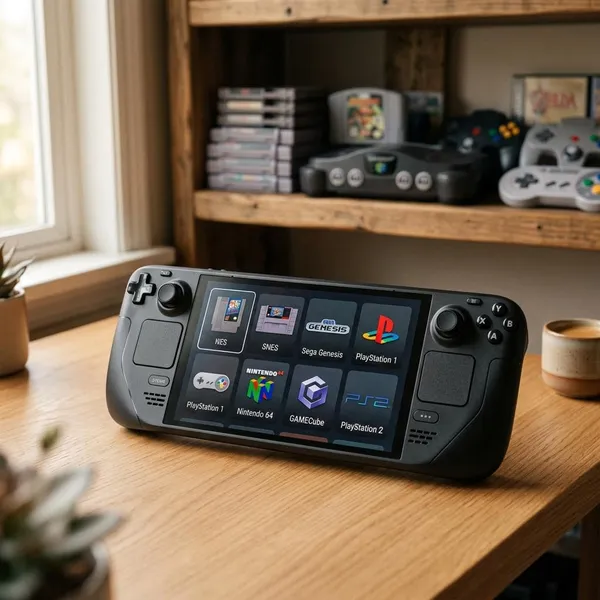
Steam Deck OLED is the best fit if most of your games already live in Steam and you want PC gaming to feel more like a console. SteamOS is easier to use with buttons and sticks than regular Windows, and the OLED screen makes indies, RPGs, older AAA games, and emulated classics look especially good.
ROG Xbox Ally X is best for Windows gaming
ROG Xbox Ally X is the better choice when you want more power and full access to PC game stores such as Steam, Xbox/Game Pass, Epic, Battle.net, and other Windows launchers. It suits players who do not want their handheld tied too closely to one ecosystem.
Nintendo Switch Lite is the best budget pick
Nintendo Switch Lite is the budget pick for casual handheld play, especially for kids, commuters, or anyone who does not need TV docking. It is smaller, easier to carry, and usually less stressful to hand to a younger player than a premium handheld PC.
The main limitation is permanent handheld use. If you imagine family TV sessions, shared Joy-Con play, or long-term use as the main household console, spend more for a Switch 2 instead. If the goal is affordable access to Nintendo and indie games on the go, the Lite still makes sense.
AYN Odin 2 Portal is best for retro gaming
AYN Odin 2 Portal is for players who care more about older libraries than current console exclusives. It is a premium Android handheld aimed at emulation, streaming, and retro-focused play, with enough power for many classic systems and a screen that makes older games feel less cramped.
It is not the cheapest retro option, so buy it for long-term comfort and broader emulation headroom rather than as a first experiment. Someone who only wants occasional Game Boy or SNES sessions can spend less; someone building a serious retro handheld setup will appreciate the extra polish.
Nintendo Switch 2 vs Steam Deck OLED vs ROG Xbox Ally X
These three cover the main premium choices, but they solve different problems. Switch 2 is the clean console experience, Steam Deck OLED is the friendliest Steam handheld, and ROG Xbox Ally X is the more flexible Windows machine.
| Pick this handheld | When your priority is | Main compromise |
|---|---|---|
| Nintendo Switch 2 | Nintendo exclusives, family play, easy setup | Less PC flexibility |
| Steam Deck OLED | Steam library, comfort, console-like PC gaming | Not the strongest raw performance |
| ROG Xbox Ally X | Windows stores, Game Pass, newer demanding PC games | More setup and small-screen Windows friction |
Choose Switch 2 for Nintendo games and easy setup
Choose Switch 2 if you want the least complicated premium option. It is the easiest of the three to share in a household because the interface, game buying, docking, and local multiplayer are all built around normal console use.
Choose Steam Deck OLED for Steam and console-like controls
Steam Deck OLED works best when you already own Steam games and want a handheld that feels ready from the couch. The controls are comfortable, the trackpads help with PC-style games, and quick resume-style use feels much closer to a console than most Windows handhelds.
Choose ROG Xbox Ally X for power and PC game stores
ROG Xbox Ally X is the performance-first pick if you play across several PC stores or want stronger handheld hardware for newer games. It makes the most sense for someone who already thinks in terms of launchers, settings, Game Pass, frame rates, and storage upgrades.
- Good match: regular PC gamers who want a smaller travel machine.
- Poor match: casual buyers who hate troubleshooting or only play a few simple games.
Which Portable Console Fits Your Play Style?
Specs help, but daily use decides whether a handheld gets played or sits in a drawer. A larger device can be excellent at home and annoying in a backpack, while a less powerful handheld may get more use because it is light, quick, and simple.
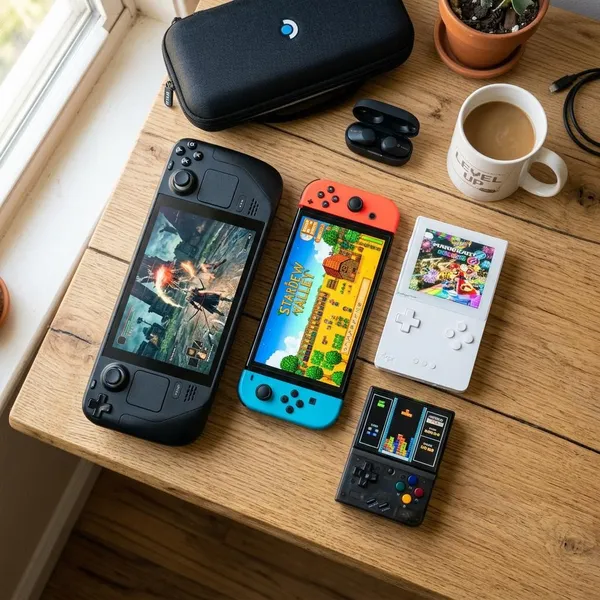
Switch 2 suits Nintendo fans and families
Switch 2 suits Nintendo fans, shared households, and families that want one system to move between handheld and TV play. It is especially strong when several people will use the device and nobody wants to manage PC-style settings.
For younger players, the bigger question is whether the console will be shared. A shared living-room device points toward Switch 2; a single child playing mostly handheld may be better served by Switch Lite.
Steam Deck OLED suits most PC gamers
Steam Deck OLED suits PC gamers who want their library away from the desk. It is particularly good for indie games, RPGs, platformers, older AAA games, and slower single-player titles where comfort and screen quality matter more than maximum settings.
ROG Xbox Ally X suits performance-focused players
ROG Xbox Ally X suits players who treat a handheld like a compact gaming PC. If you bounce between Steam, Game Pass, Epic, and other launchers, it keeps your options open in a way Nintendo and SteamOS cannot fully match.
Switch Lite suits casual and younger players
Switch Lite suits casual and younger players because it is lighter, cheaper, and focused on handheld play. It is a sensible pick for car rides, school breaks, holidays, or a first personal console where TV play is not important.
- Choose it for: simple handheld Nintendo gaming at a lower price.
- Avoid it if: you want docking, detachable controllers, or the newest hardware features.
Odin 2 Portal suits retro game fans
Odin 2 Portal suits retro fans who want one polished device rather than a drawer full of cheaper handhelds. It is best for players who enjoy setting up libraries, tweaking emulators, and revisiting older systems on a bright portable screen.
It is less ideal as a gift for someone who expects a normal console experience. Retro handhelds often require more file management and setup, so the buyer should be comfortable with that side of the hobby.
How to Choose the Best Portable Console
Use a simple order: games first, platform second, total cost third. Battery life, comfort, storage, and accessories matter too, but they should not override the basic question of whether the handheld actually plays what you care about.
Start with the games you play
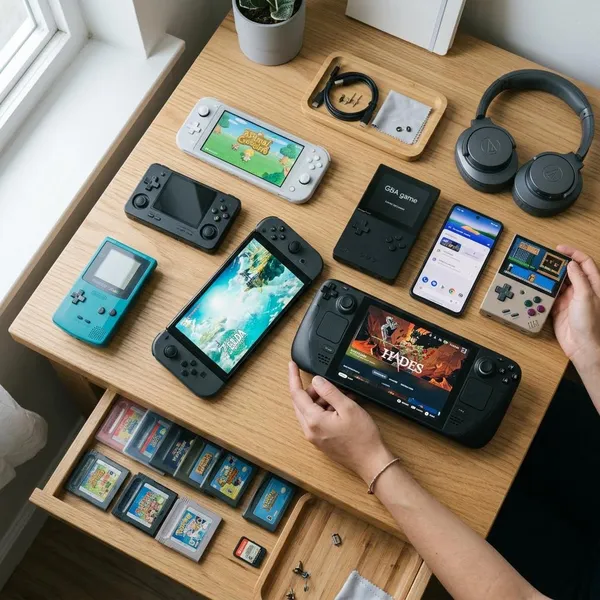
Write down the five to ten games you most want to play, then check where they actually run best. Mario Kart and Zelda point to Nintendo. A Steam backlog points to Steam Deck OLED or Ally X. Retro systems point toward Odin 2 Portal or another emulation-focused handheld.
Choose the right gaming platform
The platform shapes the whole experience. Nintendo is the simplest console ecosystem, SteamOS is the easiest PC-style handheld environment for most Steam users, and Windows gives the broadest store support with the most maintenance.
- Want easy: choose Nintendo or Steam Deck OLED.
- Want flexible: choose a Windows handheld like ROG Xbox Ally X.
- Want retro-first: choose a device built around emulation and file management.
Set your full budget
Compare the full cost, not just the console price. A case, screen protector, microSD card, dock, charger, or storage upgrade can change the real value quickly.
A cheaper handheld is only cheaper if it does not need immediate extras to fit your use. For example, a budget device for one or two games may be fine with modest storage, while a PC handheld for large modern games can feel cramped much sooner.
Check battery and travel needs
Battery life depends heavily on what you play. Indie games and retro titles usually last longer than demanding modern PC games, so do not judge every handheld by one best-case number.
If you mostly play near a charger at home, comfort may matter more than battery. If you commute, fly often, or play during long family trips, look for practical details: sleep mode reliability, charging speed, case size, and whether you can finish a normal session without hunting for an outlet.
Compare size and comfort
Comfort is hard to judge from photos. A large handheld may be more comfortable because the grips are better, while a smaller one may win because it fits your bag and does not tire your wrists during short sessions.
Allow for storage and accessories
Storage needs vary by platform. Nintendo games are often easier to rotate, PC games can be very large, and retro libraries depend on which systems you keep installed. The practical check is simple: look at the download sizes of the games you plan to keep ready, then leave room for updates.
- List your must-play games before comparing specs.
- Add accessory costs before deciding what is affordable.
- Choose for your real routine, not an ideal version of how you might play someday.
Conclusion
If you want the least risky choice, match the handheld to the games you already play instead of chasing the most powerful spec sheet. Switch 2 is the cleanest all-round pick for Nintendo and family use, Steam Deck OLED is the most comfortable answer for many Steam players, ROG Xbox Ally X is for people who truly need Windows flexibility, Switch Lite keeps costs down, and Odin 2 Portal makes the most sense when retro gaming is the main hobby.