For most buyers, the best PS5 console is the PS5 with a disc drive because it gives you the fewest regrets later: digital games, physical games, used discs, borrowed discs, and 4K Blu-ray playback all stay on the table. Choose the Digital Edition only if you are sure you will stay all-digital, and choose the PS5 Pro only if premium visuals and extra storage matter enough to justify the higher total cost.
Which PS5 Console Is Best?
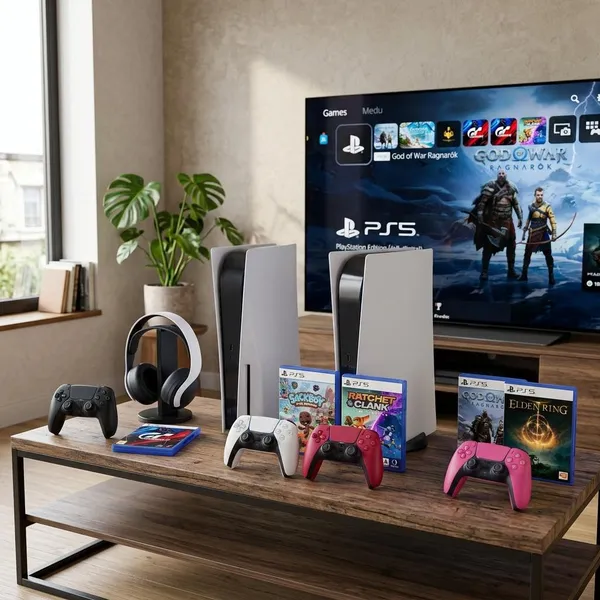
The safest answer is the PS5 with a disc drive. It is not the cheapest model and not the most powerful one, but it fits the widest range of homes because it does not force you into one way of buying games.
PS5 with a disc drive is best overall
This is the model I would point most people toward first. You can buy digital games when the PlayStation Store has a good sale, but you can also use physical PS5 games, supported PS4 discs, used copies, borrowed games, and 4K Blu-ray movies.
That flexibility is especially useful for families or anyone who does not buy every game at launch. If one person in the house already owns PS4 discs and another prefers downloads, the disc-drive model handles both without making the choice complicated.
PS5 Digital Edition is the lowest-cost choice
The Digital Edition makes sense if your priority is the lowest upfront price and you already buy everything digitally. It keeps the setup clean: no discs, no cases, no swapping games.
- Good fit: you mainly use PlayStation Store sales, PlayStation Plus, or digital gift cards.
- Weak fit: you like used games, borrow from friends, resell finished games, or own PS4 discs.
PS5 Pro is best for premium performance
The PS5 Pro is the enthusiast choice. It is aimed at players who care about sharper image quality, stronger performance in supported games, and more built-in storage.
How the PS5 Models Compare
The main decision is not about which model can play PS5 games; they all can. The better question is how each console changes your costs, buying freedom, storage comfort, and visual experience over the next few years.
Price and overall value
The Digital Edition usually wins on upfront price, but the disc-drive PS5 often wins on long-term value. A few cheaper used games, borrowed titles, or physical sale purchases can narrow the price gap faster than expected.
| Model | Best value if you... | Main trade-off |
|---|---|---|
| PS5 with disc drive | want the most ways to buy and play | costs more than Digital Edition upfront |
| PS5 Digital Edition | only buy downloads and want a lower starting price | no physical games unless the model supports an add-on drive |
| PS5 Pro | want premium visuals and more storage | highest total cost, especially if you add a disc drive |
Disc drive support
A disc drive matters more than it sounds. It decides whether you can use physical games, buy pre-owned copies, borrow from someone else, play supported PS4 discs, or watch 4K Blu-ray movies.
The standard disc-drive PS5 includes that option from day one. The PS5 Pro does not include a disc drive, and some Digital Edition models may support a separate add-on drive while older digital-only versions do not. If discs are part of your budget strategy, do not treat the drive as a minor accessory.
Storage capacity
Storage affects daily annoyance more than excitement. If you rotate between one or two games, the standard storage on a current PS5 may be fine. If your household jumps between big sports games, shooters, open-world titles, and kids' games, deleting and reinstalling can get old quickly.
The PS5 Pro's larger built-in storage is one of its most practical upgrades. Even if you are not obsessed with graphics, extra space can make shared or long-term use smoother.
Graphics performance
The standard PS5 and PS5 Digital Edition offer the same gaming performance. The Digital Edition is not weaker in graphics; it simply removes the built-in disc drive.
The Pro is where performance changes. It can improve visuals or performance in supported games, but that does not mean every player will notice enough difference to care. If you mostly want to play the latest games comfortably, the base PS5 models still do that well.
Best fit by player type
- Most households: choose the PS5 with a disc drive for flexibility and fewer future limitations.
- Digital-only players: choose the Digital Edition if you never use discs and want the lower entry price.
- Home theater users: choose the disc-drive model if 4K Blu-ray playback matters.
- Performance-focused players: choose the PS5 Pro if you have the TV and budget to make the upgrade worthwhile.
- Families or shared consoles: prioritize disc support and storage, because game libraries grow quickly.
Why the PS5 with a Disc Drive Is Best Overall
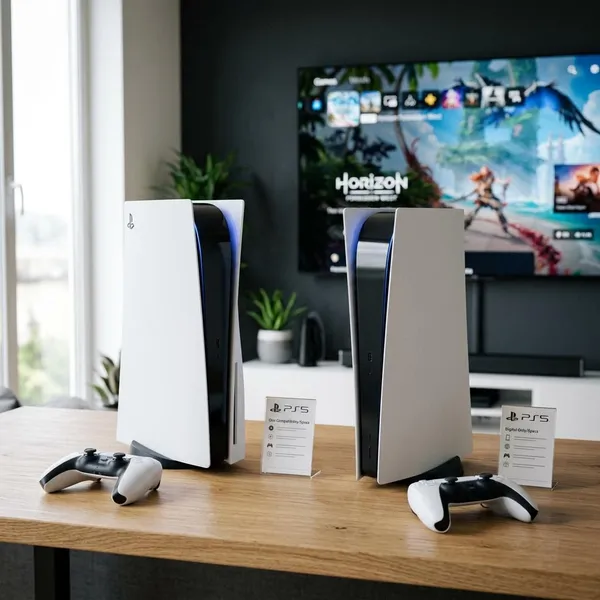
The disc-drive PS5 wins because it keeps the most options open. That matters when your buying habits change, your household grows, or you start noticing that the cheapest version of a game is not always the digital one.
It plays physical and digital games
You can download games exactly like you would on the Digital Edition, but you are not locked into the PlayStation Store for every purchase. If a new release is cheaper on disc this month and cheaper digitally next month, you can choose whichever deal is better.
It supports used and borrowed discs
This is where the savings can become real. A player who buys mostly single-player games may finish a title once and move on, so used copies and resale value matter. A teenager borrowing games from friends or a family passing discs between siblings gets value from the drive without thinking about specs at all.
It plays 4K Blu-ray movies
If you still own movie discs or care about home theater quality, the disc-drive PS5 can replace a separate 4K Blu-ray player. Streaming is more convenient, but physical movies can still be useful when you want reliable quality or already own the film.
It offers the most buying flexibility
The strongest reason to buy the disc-drive model is not nostalgia for physical media; it is optionality. You can go fully digital if that suits you, but you can still take advantage of physical discounts, gifts, trade-ins, borrowed games, and older disc libraries when they make sense.
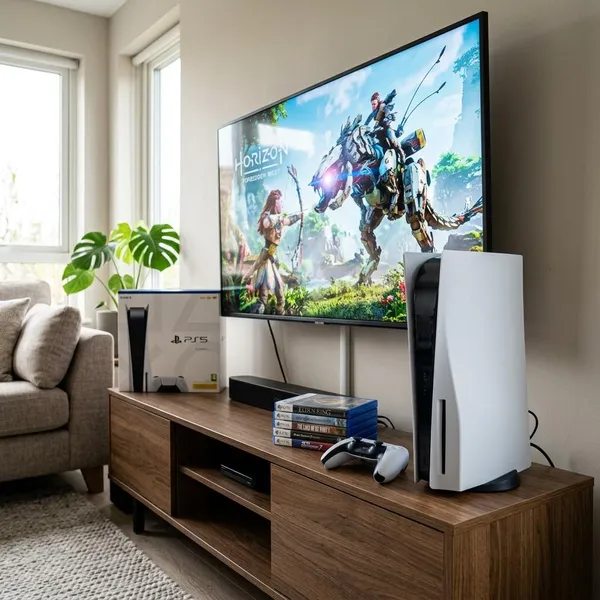
How to Choose the Right PS5
Start with your habits before comparing specs. The right model is usually obvious once you know whether discs matter, how strict your budget is, how good your TV is, and how many games you keep installed.
Set your total budget
Do not price only the console. Include the first game, tax, PlayStation Plus if you need online multiplayer, a second controller if the console will be shared, and any stand or storage upgrade you expect to buy soon.
Decide if you need discs
If you own PS4 discs, shop used, lend games, borrow games, or want 4K Blu-ray playback, choose a disc-drive PS5. That one decision matters more than small spec comparisons for many buyers.
If you have not bought a physical game in years and prefer a clean digital library, the Digital Edition can be perfectly reasonable. Just be honest about whether you are giving up a feature you might want later.
Consider your TV and performance needs
The PS5 Pro makes the most sense for a player with a strong display setup: a good 4K TV, a noticeable interest in visual quality, and games that benefit from enhanced performance. If you play casually from across the room, the upgrade may be harder to appreciate.
- Choose standard PS5: you want modern PS5 gaming without paying for premium hardware.
- Consider PS5 Pro: you notice image detail, use performance modes, and plan to keep the console for years.
- Skip the Pro for now: your TV is older, smaller, or you mainly care that games run well.
Check your storage needs
Think about how many large games you actually keep installed. One-player households can often manage by deleting old games. Shared consoles fill up faster because everyone wants their own favorites ready to launch.
If storage anxiety bothers you, the Pro's larger built-in capacity is a real convenience. Otherwise, the standard PS5 models can still work well, especially if you do not mind managing installs or adding compatible storage later.
Include stands and add-ons in the cost
Before buying, check what comes in the box for the exact model and bundle you are considering. A vertical stand, extra controller, headset, compatible storage, or optional disc drive can change the real price comparison.
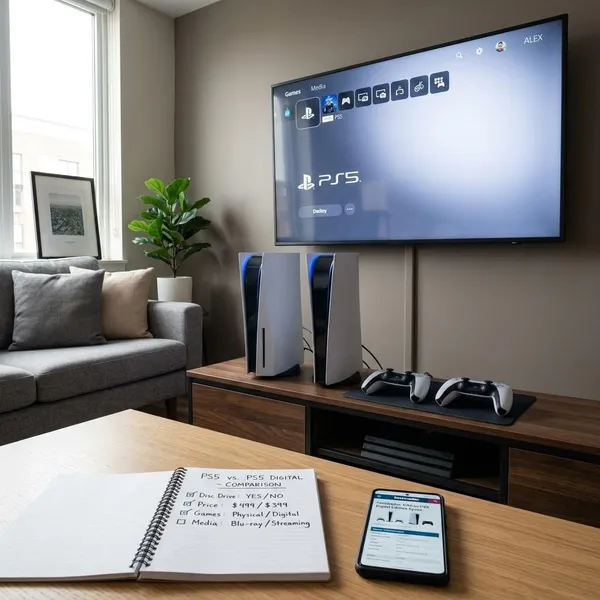
- Write down your full first-month cost.
- Mark discs as must-have, nice-to-have, or unnecessary.
- Match the console to your TV, not someone else's setup.
- Plan storage around your household, not just one game.
- Compare the final total before choosing the cheaper box.
Conclusion
The PS5 with a disc drive is the best pick for most people because it keeps your options open without jumping to the Pro's premium price. Go Digital Edition if you are genuinely done with discs, and go Pro if your TV, budget, and gaming habits make better visuals worth paying for. If you are unsure, choose the model that gives you more flexibility later, not just the one that looks cheapest today.