BG3 console mods are real on PS5 and Xbox, but they work through the official in-game mod system rather than normal PC-style file installation. Start by using only approved mods, enable them before loading a save, and be more careful with anything that changes classes, spells, items, or multiplayer setup.
How to Install BG3 Console Mods
The console process is simple because everything happens inside Baldur's Gate 3. You do not need to move files, unzip folders, or use a separate PC mod manager. The main thing is to build your mod list slowly, especially if you are adding mods to an existing campaign.
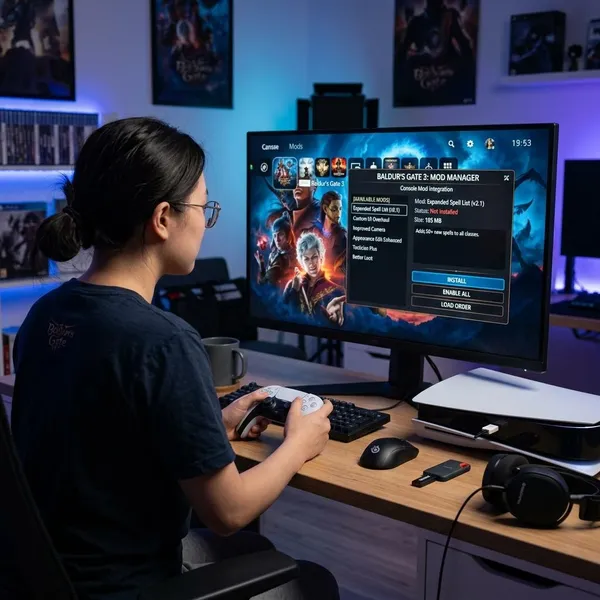
Open the Mod Manager
Open the Mod Manager from the main menu. This is the normal console entry point for supported mods, so if a website tells you to place files in a folder or install a PC framework, that advice is probably not meant for PS5 or Xbox.
If the game asks you to sign in or link an account, finish that step before browsing. Without the official connection, the approved mod library may not load properly.
Browse approved console mods
Look through the in-game catalog and treat it as the final list for console use. If a popular PC mod is not shown there, assume it is unavailable on console unless it later appears in the official browser.
A good first check is the mod description, not the download button. Watch for notes about new campaigns, save compatibility, multiplayer requirements, or known conflicts. A dice skin is usually a low-risk test; a subclass, spell pack, or item overhaul deserves more caution.
Download the mods you want
Download a small number of mods at first. For a first-time setup, two or three cosmetic or light gameplay mods are easier to test than a full 30-mod loadout.
- Low-risk trial: dice skins, visual changes, simple appearance options.
- More cautious trial: classes, spells, progression edits, gear packs.
- Best for a fresh run: anything that changes leveling, vendors, or core build choices.
Enable them before loading your game
A downloaded mod usually does nothing until it is enabled in your active list. Check that list before loading a save, because missing a required mod can cause warnings, missing items, broken appearances, or a save that no longer behaves as expected.
For an existing campaign, make a clean manual save first if the game allows it. Then enable the mod, load in, and check the part of the game it affects: character sheet for classes, spellbook for spells, inventory or vendors for items, and character creation or mirror options for appearance mods.
What BG3 Mods Are Available on Console?
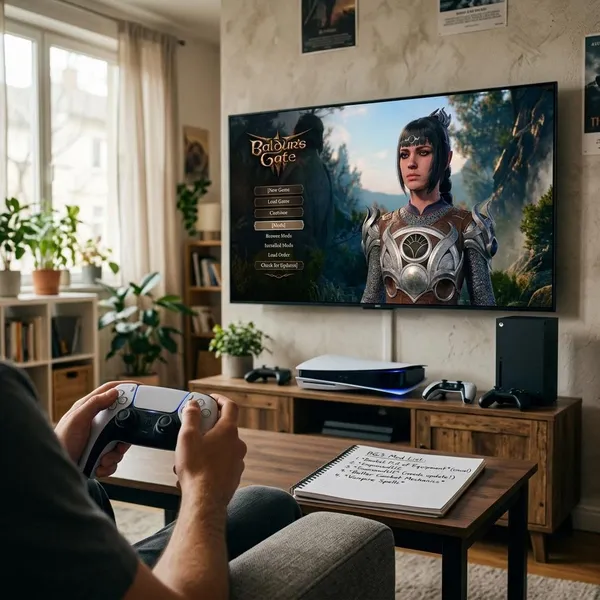
Console players get a curated selection rather than the full PC mod scene. That still leaves plenty of useful choices: new class options, spell and ability changes, equipment, character customization, dice skins, and visual tweaks.
The best category depends on how you play. If you are starting a second full campaign, gameplay additions can make the run feel fresh. If you are halfway through Act 2 and just want something fun without much risk, visual or customization mods are usually the calmer choice.
Classes and subclasses
Class and subclass mods are the biggest replay-value option because they change how a character grows over many hours. They are best used at the start of a new campaign or before you commit to a build.
Be careful adding them to a party that already relies on specific features. If a mod changes progression tables, passives, or spell access, removing it later may leave that save looking for data that is no longer active.
Spells and abilities
Spell and ability mods are fun if you already know the base game and want new combat choices. They can also affect balance quickly, so do not stack several spell packs without testing whether they overlap or make early fights too easy.
Weapons and armor
Weapon and armor mods are easy to judge because you can usually see their impact right away. Some add roleplay-friendly gear, while others may be stronger than the base game expects.
If you want a fair challenge, avoid installing every powerful-looking item pack at once. If your goal is a themed character or a relaxed replay, gear mods can be one of the most satisfying console categories.
Character customization
Customization mods are a sensible starting point for many players. New hairstyles, faces, colors, or appearance options make your character feel more personal without usually touching quest logic or combat balance.
Dice and visual changes
Dice and visual changes are the safest-feeling place to begin. They let you confirm that the Mod Manager works, see an immediate change, and avoid the deeper save dependencies that can come with classes, spells, or items.
BG3 Console Mod Limits
The big limitation is that console modding is controlled. You get convenience and a lower setup barrier, but not the same freedom PC players have with external files, script extenders, and large unofficial frameworks.
For most players, that tradeoff is fine. A curated list is easier to use and less intimidating. It only becomes frustrating if you expect every mod you see on a PC site to work on console.
Only approved mods are available
Only mods approved for the console system appear in the official browser. That is the list you should trust for normal PS5 and Xbox play.
This matters when you are following advice from Reddit, YouTube, or a PC mod page. Before planning a build around a mod, check whether it is actually listed in your console Mod Manager.
Third-party PC mods are not supported
You generally cannot take a third-party PC mod, copy it onto a console, and make Baldur's Gate 3 load it. Console modding is built around the integrated browser and approved files.
Some script-heavy mods stay PC-only
Large mods that rely on heavy scripting, external frameworks, deep rules changes, or complex quest edits are less likely to reach console. That does not make console mods useless; it just means the strongest console options tend to be cleaner additions such as subclasses, gear, cosmetics, and selected gameplay changes.
Consoles have a 100-mod limit
Consoles have a 100-mod limit, but treating that as a target is a bad habit. A focused 10-mod setup is usually easier to troubleshoot than a crowded list full of overlapping spell, item, and class edits.
If you are close to the cap, cut by function rather than by file size. Keep the mods you actually notice in play, remove duplicates that touch the same system, and test your save after any major cleanup.
How Mods Work in Multiplayer
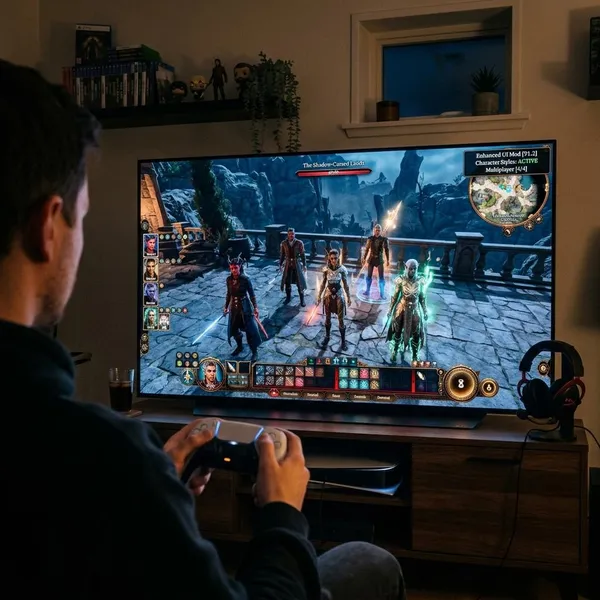
Multiplayer is where modding needs the most discipline. In solo play, a bad mod choice usually affects only your save. In co-op, one person's missing mod, disabled mod, or outdated version can stop the whole group from joining.
For a casual one-night session, keep the list tiny. For a long campaign with friends, agree on the mod setup before character creation and avoid changing it between sessions unless everyone is ready to update and test together.
Players need matching mods
Everyone in the session needs the same active mods. It is not enough for one player to have a mod downloaded somewhere in the manager; it needs to be enabled in the active setup the shared save expects.
- Before session one: agree on the exact list.
- Before loading the save: confirm every player has those mods enabled.
- After adding anything new: have everyone update before trying to join.
Mod versions need to match
The same mod name is not always enough. If one player has a newer version and another still has an older one, the game may flag the session as mismatched.
This is especially easy to miss after a mod update. Before a weekly co-op session, it is worth spending one minute checking versions instead of losing twenty minutes wondering why someone cannot connect.
The verification window flags differences
The verification window is your first troubleshooting stop. It can point out missing mods, disabled mods, or version differences before the session fully starts.
Do not guess first. Read the mismatch, fix the exact item it names, then restart or reload if needed. That is usually faster than having everyone randomly disable mods one by one.
Cross-play only supports console-compatible mods
Cross-play has to respect the most limited platform in the group. If PS5 or Xbox players are joining, the mod list needs to stay within the console-compatible ecosystem, even if a PC player has access to much more when playing alone.
Conclusion
BG3 console mods are worth using if you treat them as a curated, in-game feature rather than a full PC modding replacement. Start with a small list, check save and multiplayer warnings before committing, and save the heavier gameplay changes for a fresh run when possible; that gives you the fun part of modding without turning every session into troubleshooting.