The best console is usually the one that fits your games, your screen, and your routine—not the one with the biggest spec sheet. A practical console comparison should first answer three things: which exclusives you care about, whether you want handheld play, and how much you will really spend after games, subscriptions, and accessories.
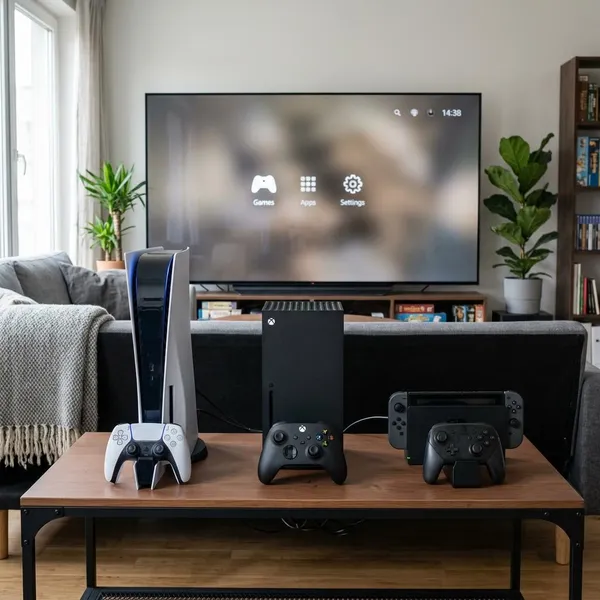
Main gaming consoles compared
Start with the role you want the console to play at home. PlayStation is strongest as a premium TV console for polished single-player games, Xbox is the most flexible if subscriptions and backward compatibility matter, and Nintendo Switch 2 is the obvious outlier because it can work as both a handheld and a living-room system.
| Console family | Best fit | Think twice if |
|---|---|---|
| PlayStation 5 / PS5 Pro | Story-driven exclusives, premium TV gaming, strong presentation | You mainly want the cheapest way to play many different games |
| Xbox Series X / Series S | Game Pass, backward compatibility, online multiplayer, value choices | You care most about Sony or Nintendo exclusives |
| Nintendo Switch 2 | Portable play, family gaming, local multiplayer, Nintendo franchises | You want the highest graphics settings on a large 4K TV |
Biggest differences between gaming consoles
The differences that matter most are not always the ones shown in marketing. Performance matters, but so do game libraries, subscription habits, whether your friends are on the same platform, and how often you need to play away from the main TV.
Performance and graphics
If you want the strongest home-console visuals, look first at PS5 Pro and Xbox Series X. Standard PS5 is still more than enough for most players, especially if you care more about the games than small technical differences. Xbox Series S is the compromise option: good enough for many 1080p or 1440p setups, but not ideal if you expect the sharpest 4K experience.
Game libraries and exclusives
Games should outweigh spec sheets. A console with slightly weaker hardware can still be the better purchase if it has the games you keep coming back to.
- PlayStation: best for cinematic action, big single-player releases, and polished exclusives.
- Xbox: strong for shooters, racing, RPGs, Game Pass variety, and older Xbox libraries.
- Nintendo: strongest for Mario, Zelda, Pokémon, family play, and local multiplayer.
Online services and subscriptions
Subscriptions can be a great deal or a quiet waste of money. Xbox Game Pass is the strongest option for players who sample lots of games. PlayStation Plus can make sense if you want online play plus a rotating catalog. Nintendo Switch Online is usually more about online access, classic games, and basic extras than a huge modern library.
If you only finish two or three games a year, buying games during sales may be cheaper than keeping a large subscription active. If your household has several players trying different genres every month, a subscription can quickly become part of the console's real value.
Portability and play modes
Nintendo Switch 2 wins if you want true built-in handheld play. PlayStation and Xbox have remote play options, but they are not the same as picking up the console and playing locally without relying on the TV.
Physical and digital games
Disc support is mostly about flexibility. Physical games can be borrowed, resold, bought used, or found cheaper at retail. Digital games are convenient and clutter-free, but you are tied to storefront prices and download storage.
Digital-only makes sense if you prefer instant access, rarely resell games, and have reliable internet. A disc model is better if you like bargain hunting, share games within a household, or want a console that can also play Blu-rays.
Backward compatibility
Backward compatibility matters most if you already own games from an older platform. Xbox is usually the strongest choice here because many older purchases carry forward more smoothly, and some older titles benefit from newer hardware.
PlayStation and Nintendo support vary more by generation and game. If you are starting fresh, this may be a secondary concern. If you already have a digital library, it can save enough money to influence the whole decision.
Which console fits your play style?
The fastest way to choose is to match the console to your normal week. A person who plays one big single-player game at a time needs something different from a family sharing the TV, a student carrying a handheld around, or a budget buyer who wants access to lots of games.
PlayStation for story driven games
Pick PlayStation if your ideal console night is a long session with a polished single-player game. Sony's biggest strength is still cinematic presentation, strong first-party releases, and a controller that can add extra feel in supported games.
For this type of player, the standard PS5 is usually the practical recommendation. Move up to PS5 Pro only if you have the display and the interest to appreciate visual upgrades; otherwise, spend the difference on games.
Xbox for subscription focused gaming
Xbox is the better fit if you like variety more than ownership. Game Pass works especially well for players who jump between racing, shooters, co-op games, sports titles, and smaller releases without wanting every choice to become a full-price purchase.
For a shared household, that model can be useful: one person can try a racing game, another can start an RPG, and someone else can download a co-op title without buying three separate games. Series X gives you the premium version of that setup; Series S gives you the cheaper entry.
Nintendo Switch 2 for portable gaming
Choose Nintendo Switch 2 if you want gaming to fit around your day instead of waiting for the TV to be free. It suits short sessions, travel, dorm rooms, shared living spaces, and players who like switching between handheld and docked play.
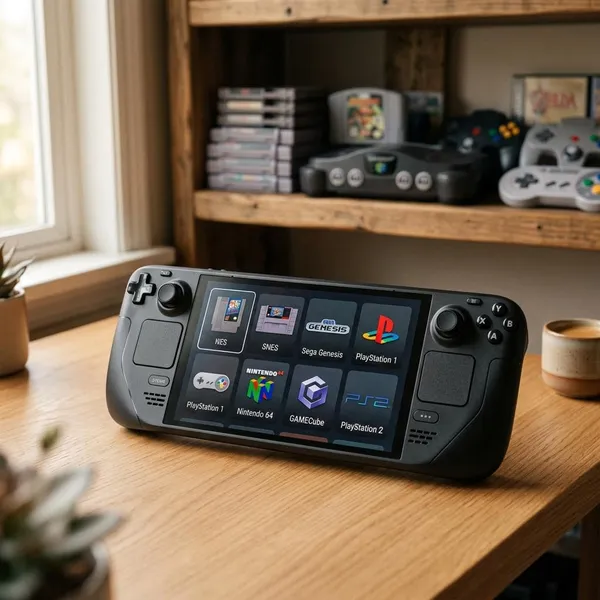
A Steam Deck may be more appealing if you already have a large Steam library and enjoy PC-style settings. For a simpler console-like portable experience, Nintendo is easier to recommend.
Nintendo Switch 2 for family gaming
Nintendo is often the least stressful family choice because its biggest games are easy to understand, colorful, and built around shared play. Younger children, casual players, and experienced gamers can often enjoy the same system without needing the same skill level.
- Good family fit: local multiplayer, familiar characters, short sessions, portable use.
- Possible drawback: first-party games may stay expensive longer than expected.
- Practical check: price the console with at least one extra controller or controller set.
Xbox Series S for a lower cost entry
Xbox Series S is a smart low-cost entry if you want modern gaming without paying for premium hardware. It is best on a smaller screen, with digital games, and with Game Pass doing much of the heavy lifting.
What affects the real cost of a console?
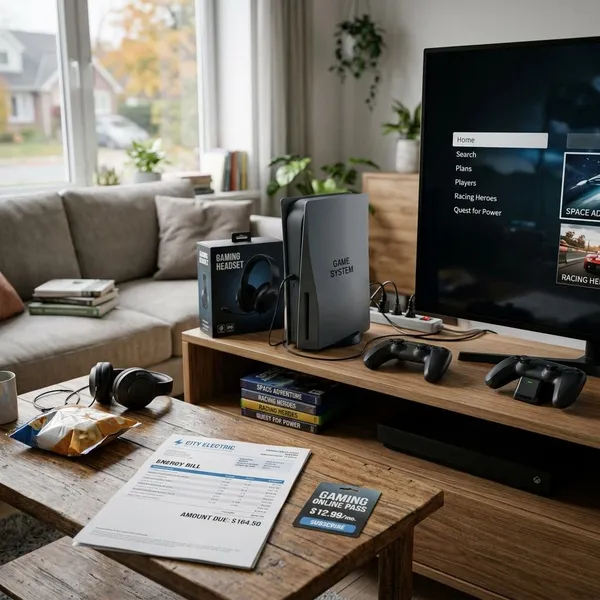
The box price is only the first number. The real cost comes from games, online memberships, storage, extra controllers, and whether the platform lets you save money through used games, sales, or subscriptions.
Console price
Do not treat the cheapest console as automatically the cheapest choice. Series S has the lowest entry cost among the main current Xbox options, but its digital-only design and smaller storage can add pressure later. PS5 Pro costs more because it targets enthusiasts, while standard PS5 and Xbox Series X are more balanced long-term home-console choices.
Nintendo Switch 2 is priced around a different kind of value: you are paying for hybrid use and Nintendo's library, not the most powerful TV hardware. If portability is central to your use, that trade-off can still be worth it.
Games and subscriptions
Estimate your first year before buying. Add the console, two or three games you know you want, any required online service, and one likely accessory. That quick total is more useful than comparing console prices alone.
- List your must-play games. Skip platforms that do not have them.
- Check subscription fit. Heavy samplers benefit more than occasional players.
- Compare physical and digital prices. Disc support can change long-term cost.
- Add multiplayer fees. Treat them as recurring costs, not extras.
- Budget for one accessory. Most households buy at least one sooner than expected.
Storage upgrades
Storage becomes a real cost if you rotate between several large games or share the console with other people. Series S owners should be especially careful because limited internal space can become annoying quickly. PS5 and Xbox Series X buyers may also want expansion later, while Switch 2 owners should think about memory cards if they plan to stay mostly digital.
Extra controllers and accessories
Extra controllers are easy to forget and expensive enough to matter. Families, roommates, and local multiplayer fans should include them in the first-year budget rather than treating them as optional.
- Second controller: important for couch co-op, families, and backup charging.
- Headset: useful for online play, especially in shared spaces.
- Charging dock: convenient but not essential.
- Travel case: more relevant for Nintendo Switch 2 than fixed home consoles.
Online multiplayer costs
If you mainly play single-player games, online fees may barely matter. If your favorites are sports games, shooters, racing games, or co-op titles, membership costs should be part of the platform price from day one.
The fee can still be worthwhile if you use the included catalog, cloud saves, or member discounts. If you only play online a few times a year, paying month after month may be one of the easiest places to waste money.
Conclusion
The right console is the one that matches your must-play games and the way you actually use your free time. Choose PlayStation for premium story-driven home gaming, Xbox for subscription value and platform continuity, Nintendo Switch 2 for portable or family play, and Xbox Series S when budget matters more than top-end visuals. If two options still feel close, price them with one year of games, online play, storage, and controllers—the better choice usually becomes obvious.