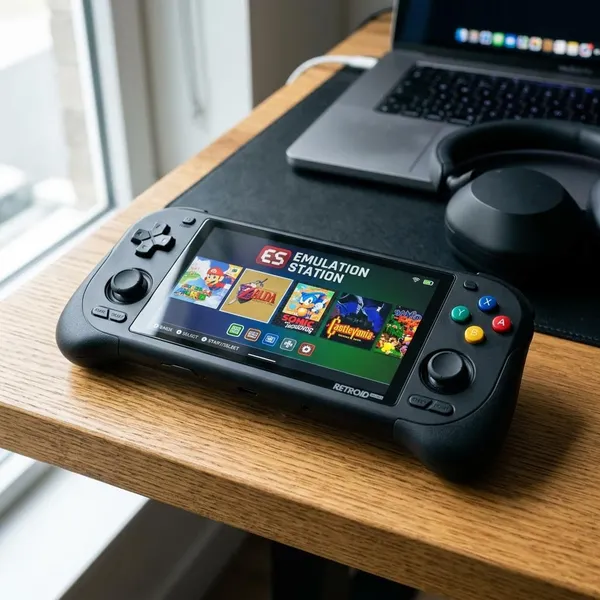
Console graphics have not hit a hard plateau, but the easy "wow" jumps are mostly gone. The real console graphics plateau limit is a mix of fixed hardware, higher frame-rate expectations, bigger production costs, and visual gains that are now more subtle than the old jump from blocky 3D to HD worlds.
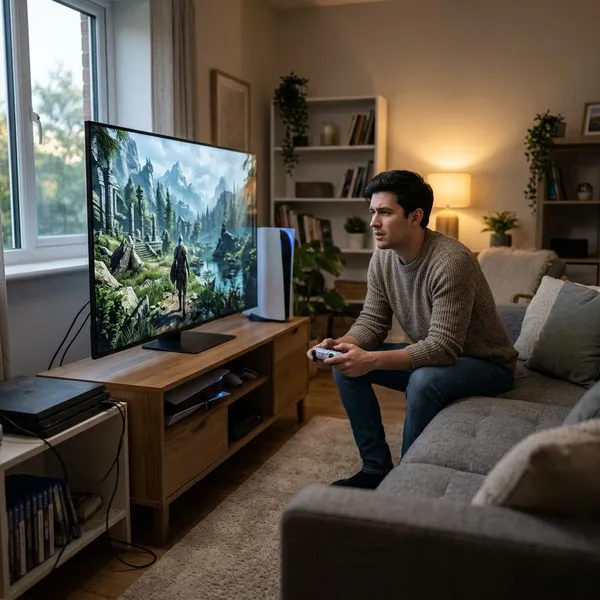
Why Do Graphics Leaps Feel Smaller?
The first thing to check is not whether games are still improving, but where the improvement is happening. Older generations made obvious jumps in resolution, model quality, and texture detail. Modern games often improve through lighting accuracy, denser scenes, steadier image quality, and smoother motion, which are easier to miss in a trailer or screenshot.
Diminishing visual returns
Diminishing returns are real because many games already look good at a glance. Once characters have detailed faces, materials react believably, and worlds are rendered at high resolution, the next upgrade may be a better shadow edge, cleaner reflection, or more natural bounce light rather than a dramatic new look.
That does not make the gains meaningless. If you replay a late PS4 game and then move to a strong current-gen showcase, the difference often shows up during movement: fewer flat surfaces, less shimmer, better lighting transitions, and scenes that feel less "assembled."
Cross-gen development
Cross-gen development slowed the visible jump because many early PS5 and Xbox Series games still had to run on PS4 and Xbox One. That kept design choices tied to older CPUs, slower storage, smaller memory budgets, and weaker GPUs.
This matters most for players who upgraded early and expected every new release to feel rebuilt around new hardware. If a game also had to support last-gen consoles, faster loading and cleaner performance were often more realistic improvements than radically denser worlds or more advanced simulation.
Rising production costs
Better visuals cost more because someone has to build, test, light, animate, and optimize all that extra detail. A single high-quality character can look impressive; doing that across hundreds of characters, props, interiors, outfits, weather states, and cutscenes is a much bigger commitment.
- Flagship exclusives: more likely to justify expensive visual showcase work.
- Live-service games: often prioritize performance, updates, and broad hardware support.
- Large open worlds: spread art and rendering budgets across far more space.
Higher frame-rate targets
Modern consoles also spend a lot of their power on smoothness. A game running at 60 FPS can feel far better to play than a 30 FPS version, especially in shooters, racing games, action combat, and anything with fast camera movement.
The trade-off is that power used for responsiveness cannot also be spent on maximum resolution, ray tracing, dense effects, and heavy simulation. For a player who mostly plays competitive games, that is usually a good trade. For someone buying a console mainly for cinematic single-player showcases, a 30 FPS quality mode may still be more impressive visually.
What Is Still Improving?
The best way to judge current console graphics is to look past raw sharpness. Many meaningful upgrades now sit in the parts of a scene that make it feel stable, believable, and alive: lighting, density, motion, and reconstruction.
Lighting and reflections
Lighting remains one of the biggest areas of progress. Better global illumination, reflections, contact shadows, and indirect light can make a room, street, forest, or cave feel less flat and less staged.
Geometry and scene density
Scene density is where modern games can quietly feel much richer. More rocks, debris, foliage, surface variation, background objects, and architectural detail make a world feel less empty and less obviously optimized around old limits.
Animation and simulation
Animation often reveals age faster than texture quality. Stiff faces, awkward transitions, weightless movement, and robotic cloth can make an otherwise detailed game feel old.
Current improvements show up in smoother animation blending, more natural character reactions, better facial rigs, stronger physics responses, and small environmental touches. These are not always easy to market, but they affect how believable a game feels while playing.
Image reconstruction
Image reconstruction is now central to console visuals. Instead of rendering everything at native resolution, many games use temporal upscaling to create a cleaner final image while saving performance for lighting, frame rate, effects, or density.
- Good reconstruction: looks stable in motion and hides the lower internal resolution well.
- Weak reconstruction: can show shimmer, ghosting, softness, or breakup around fine detail.
- Best use case: when the saved performance noticeably improves frame rate or effects quality.
Does 60 FPS Limit Console Graphics?
Yes, 60 FPS limits graphics in the sense that it leaves less time to render each frame. That does not make 60 FPS the wrong choice. It simply means the developer has to decide whether the game should spend its fixed hardware budget on responsiveness, visual effects, resolution, ray tracing, density, or a balance of all of them.
| Target | Best for | Typical compromise |
|---|---|---|
| 30 FPS | Cinematic visuals, slower games, heavy effects | Less responsive controls |
| 60 FPS | Action, shooters, racing, general play | Reduced visual settings or reconstruction |
| 120 FPS | Competitive play and low latency | Lower resolution, simpler effects, fewer premium features |
60 FPS leaves less rendering time
At 60 FPS, the console has about 16.7 milliseconds to build each frame. At 30 FPS, it has about 33.3 milliseconds. That difference is huge for lighting, reflections, shadows, post-processing, simulation, and scene complexity.
When a game offers performance and quality modes, the menu is usually showing this trade-off directly. If the performance mode looks softer or drops ray tracing, that is not a trick; it is the cost of making the game respond faster.
30 FPS allows heavier visual effects
Thirty FPS gives developers more room for expensive effects on the same hardware. Higher internal resolution, stronger shadows, richer lighting, denser geometry, and better reflections are easier to fit when each frame has more time.
The catch is genre. A slow horror game, narrative adventure, or cinematic RPG may feel acceptable at 30 FPS if the motion is stable. A competitive shooter or fast action game usually feels worse because input latency and camera motion matter more.
120 FPS requires bigger trade-offs
At 120 FPS, the frame budget drops to roughly 8.3 milliseconds, so the visual cuts are usually much more obvious. Resolution often falls, ray tracing is commonly reduced or removed, and effects or shadows may be simplified.
This mode makes the most sense if you have a compatible display and care about responsiveness more than image richness. For couch play in a single-player showcase game, 120 FPS is often less important than a well-balanced 60 FPS mode.
Upscaling helps recover performance
Upscaling helps, but it is not magic. A strong upscaler can make a lower internal resolution look close enough to native output that the saved performance is better spent elsewhere.
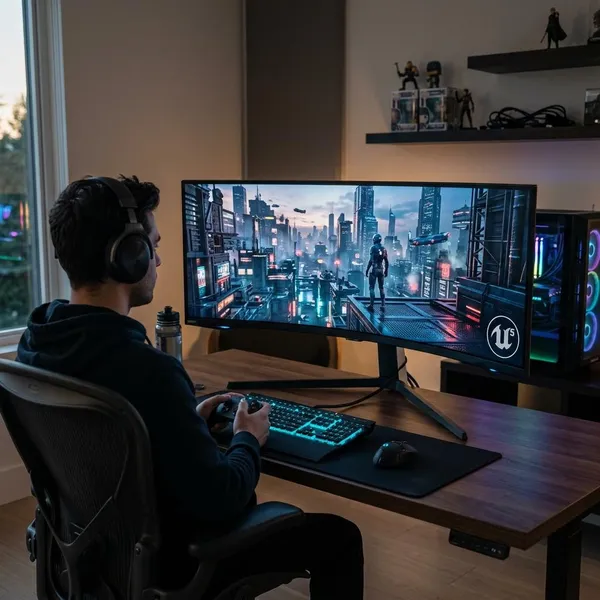
How UE5 Pushes Graphics Further
Unreal Engine 5 shows why the plateau is not absolute. It does not automatically make every game look better, and poor optimization can still hurt results, but its main tools help developers push geometry, lighting, and image quality in ways that older pipelines handled less easily.
Nanite adds more geometric detail
Nanite helps games display highly detailed geometry without relying as heavily on traditional manual levels of detail. In practice, this can mean rocks, ruins, buildings, cliffs, statues, and debris keep more shape and surface detail up close.
The player-facing benefit is less obvious pop-in and fewer flat-looking surfaces. It is especially useful in exploration-heavy games where you spend a lot of time walking near environmental detail rather than viewing it from a distance.
Lumen improves dynamic lighting
Lumen is about more flexible lighting. It can help light bounce and react more naturally when a scene changes, which is useful for moving lights, shifting time of day, mixed indoor-outdoor spaces, and environments that should not feel statically lit.
This is one of the areas where a game can feel genuinely newer even if the character models are not a massive leap. Better lighting changes the mood, depth, and material response of almost every scene.
TSR balances quality and performance
TSR, or Temporal Super Resolution, is UE5's reconstruction system. Its job is to help produce a sharp final image without requiring the game to render every pixel at full native resolution.
For consoles, that matters because raw power is fixed for the whole generation. TSR can help a developer keep a 60 FPS target, use heavier lighting, or maintain better image clarity than older upscaling methods, depending on how well it is implemented.
Why Better Graphics Cost More
The cost side is easy to underestimate. Better graphics are not only a GPU problem; they affect art production, animation, lighting, testing, memory use, performance modes, patching, and platform support.
High-detail assets take more work
A high-detail asset needs modeling, texturing, material tuning, lighting checks, memory checks, and performance testing. Then that work has to scale across characters, props, interiors, vehicles, weapons, terrain, and background objects.
For a small linear game, the team can polish fewer spaces more heavily. For a 100-hour open-world game, the same level of polish everywhere becomes much harder to afford.
Advanced lighting needs more power
Advanced lighting can transform a scene, but it is expensive. Dynamic shadows, global illumination, reflections, and ray-traced effects all compete with resolution, frame rate, effects, and simulation.
Bigger worlds increase rendering demands
Bigger worlds multiply the problem. More land, interiors, NPCs, objects, weather, traversal speed, and sightlines all increase the pressure on streaming, memory, CPU work, and GPU rendering.
That is why a compact, directed game can sometimes look more polished than a massive open world from the same generation. The open-world game may be doing more overall, but its budget is spread across many more situations.
Small visual gains need larger budgets
Once games already look strong, making them look clearly better can require a lot of money for a small visible gain. Better facial animation, more natural materials, denser scenes, and higher-quality lighting may all be real improvements, but many players will only notice them after extended play.
This is where the buying decision becomes personal. If you mostly play competitive titles or older live-service games, graphics alone may not justify new hardware. If you care about showcase single-player games, quality modes, fast loading, and cleaner image stability, the improvements are easier to appreciate.
Conclusion
Console graphics are still moving forward, but the progress is now about harder, more expensive improvements rather than instant generational shock. If you want the best read on a game's visuals, check its lighting in motion, image stability, scene density, and the trade-off between quality and performance modes instead of judging only by resolution or screenshots.