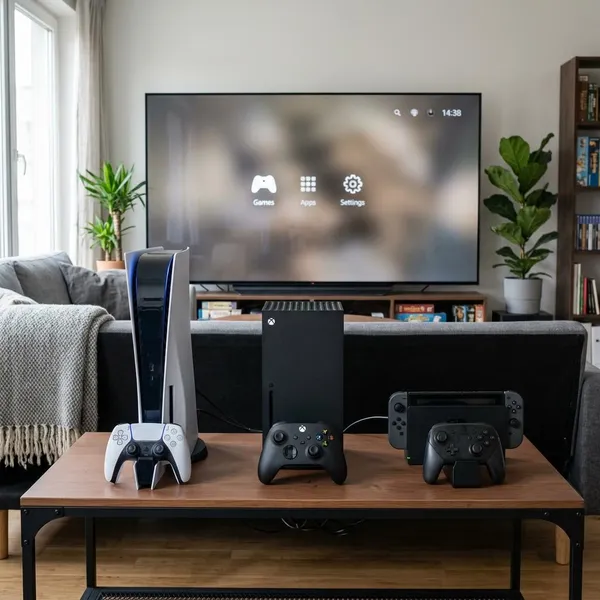
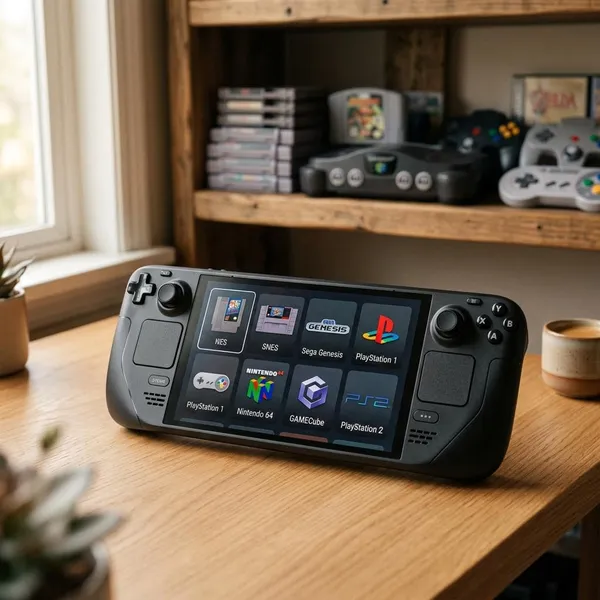
If you are choosing between console vs PC gaming in 2026, start with how you actually play: desk or couch, competitive or casual, fixed budget or long-term flexibility. A console is usually the safer pick for simple, lower-cost gaming, while a PC is better if you want higher performance, deeper control, mods, and a machine that can do more than play games.
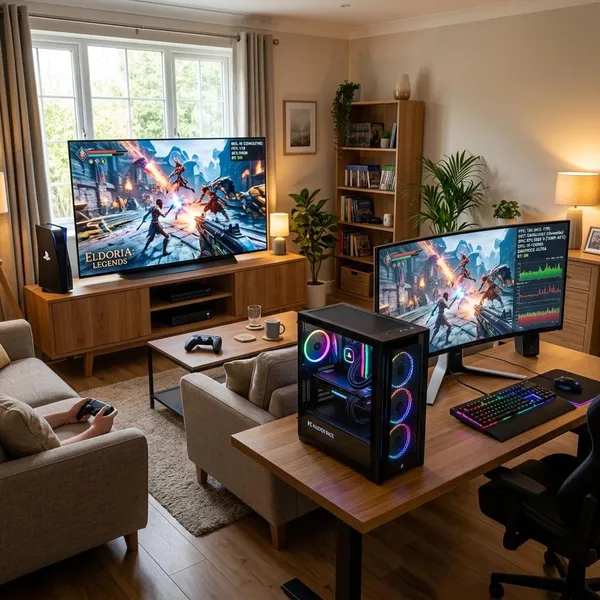
Console vs PC performance
Performance is not just about which box is more powerful. The useful question is whether you want a predictable experience that works with little adjustment, or a setup you can tune for frame rate, visuals, monitor type, and future upgrades.
PC has a higher performance ceiling
A gaming PC can go far beyond console performance if you buy strong enough hardware. Higher-end PCs can target higher resolutions, higher frame rates, stronger ray tracing, and smoother performance in demanding games, especially when paired with a monitor that can actually display those frames.
Console offers more consistent optimization
Consoles win on predictability. Developers know the exact hardware target, so games are usually tuned around a small number of performance modes instead of thousands of PC part combinations.
- Good fit: you want to install a game and play without tweaking settings.
- Less ideal: you dislike being limited to the console's chosen performance modes.
- Common mistake: assuming a console is weaker in every real-world situation; good optimization can still feel very smooth.
PC gives you more graphics settings
PC gives you much finer control over how a game looks and runs. You can usually adjust textures, shadows, reflections, upscaling, anti-aliasing, ray tracing, motion blur, and other settings separately instead of choosing only "Performance" or "Quality."
PC supports more high refresh rate options
If high refresh rate gaming is a priority, PC has the advantage. Consoles can support 120 FPS in some games, but PC is the more natural home for 144Hz, 165Hz, 240Hz, and higher monitor setups when the game and hardware can keep up.
Console vs PC cost
Cost is where the simple answer can be misleading. A console is cheaper to buy, but the long-term total depends on subscriptions, storage, game prices, accessories, and whether you would also need a computer anyway.
Use a complete budget rather than comparing only the console price against a PC tower. Include the display, controller or keyboard and mouse, headset, online access, storage expansion, and the games you are likely to buy in the first year.
Consoles are cheaper to buy
Consoles have the easier starting price. You get a complete gaming system that works with a TV and controller without needing to choose a graphics card, processor, motherboard, or power supply.
PC hardware costs more upfront
A gaming PC usually costs more at the start, especially if you also need a monitor, keyboard, mouse, speakers, or a Windows license. It is also easier to overspend because there is always a better GPU, a faster CPU, or a nicer monitor.
The higher price makes more sense when the PC replaces another device. If the same machine will handle school, work, streaming, editing, browsing, and gaming, the value is different from buying it only to play a few games each month.
Console subscriptions add long term costs
Paid online services can narrow the console price advantage over several years. If you mainly play online shooters, sports games, or co-op games, include the yearly subscription in your real budget.
- Mostly single-player: subscription costs may not matter much.
- Daily multiplayer: recurring fees become part of the platform cost.
- Family use: check how accounts, cloud saves, and game sharing work before buying.
PC game sales can reduce software costs
PC players often have more chances to save on games because there are multiple storefronts, seasonal sales, bundles, free promotions, and older titles that drop heavily in price. Patient buyers benefit the most.
If you buy every new release on launch day, the savings may be smaller. If you build your library slowly and do not mind waiting, PC software costs can become a real long-term advantage.
Storage and upgrades affect both platforms
Modern games can fill storage fast on both platforms. If you like keeping several large games installed at once, plan for extra storage instead of treating it as an unexpected problem later.
Consoles keep upgrades simple, mostly focused on storage. PCs give you more options: adding storage, increasing memory, replacing a graphics card, or improving cooling. That flexibility is useful if you enjoy extending a system's life, but it can become expensive if you upgrade just because new parts exist.
Console vs PC game libraries
The better platform is often the one that has the games you actually want to play. Performance and price matter, but they do not help much if your favorite series, genres, or multiplayer group fit better somewhere else.
PC offers more storefronts and older games
PC has the broader library overall. Steam, Epic Games Store, GOG, and other storefronts give access to current releases, indie games, strategy titles, simulation games, old classics, and niche projects that may never get a console version.
This is especially useful if your taste changes over time. A player who starts with big action games may later get into management sims, older RPGs, or small indie releases, and PC makes that shift easier.
Consoles still have platform exclusives
Console exclusives can still decide the whole purchase. If one platform has the specific franchises you care about most, that matters more than a larger library full of games you may never play.
Timing is part of the decision. Some exclusives may come to PC later, but not everyone wants to wait. If launch-day access to a certain series is the reason you are buying hardware, choose around that game first.
PC offers wider mod support
PC is the clear winner for mods. Mods can improve visuals, fix annoyances, add quests, rebalance games, expand maps, or keep older games alive long after official updates slow down.
- RPG players: mods can add quality-of-life changes and new content.
- Strategy fans: community balance patches and custom scenarios can add years of play.
- Sandbox players: mods can turn one game into many different experiences.
Cross play makes multiplayer less restrictive
Cross-play means you may not need to buy the same platform as your friends, but do not assume every game handles it perfectly. Some games support full cross-platform parties, while others separate players by input method, limit chat features, or handle progression differently.
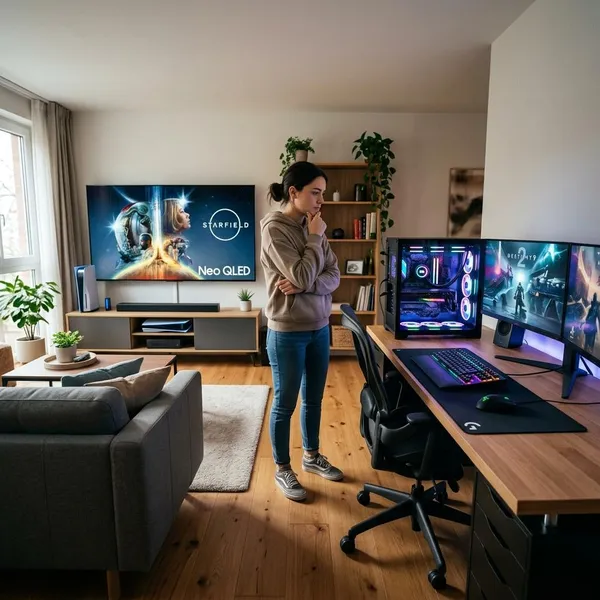
Which should you choose for gaming?
The fastest way to decide is to rank your priorities. If performance, customization, mods, and multitasking come first, PC is usually the better match. If price, ease, shared play, and a clean TV setup matter more, console is usually the more comfortable choice.
| Your situation | Better fit | Why it makes sense |
|---|---|---|
| You play competitive games at a desk | PC | Higher refresh rates, mouse and keyboard options, deeper settings |
| You want simple gaming on a living-room TV | Console | Lower setup effort and a controller-first experience |
| You buy lots of discounted or older games | PC | More storefronts and frequent sales |
| You are buying for kids or shared family use | Console | Easier access, fewer technical choices, better couch play |
Choose PC for performance and flexibility
Choose PC if you want control over the experience instead of accepting one fixed platform target. It is the better choice for high frame rates, wide monitor support, graphics tuning, future upgrades, and using the same device for non-gaming tasks.
The main trade-off is effort. You may need to compare parts, update drivers, adjust settings, and troubleshoot occasional issues. For players who enjoy tuning their setup, that is part of the appeal; for others, it is exactly what they want to avoid.
Choose console for simplicity and affordability
Console is the better choice if you want a straightforward system that gets people playing quickly. It is easier to buy, easier to connect to a TV, and easier to share with people who do not care about settings menus or hardware specs.
Choose PC for mods and competitive gaming
PC makes the most sense if your favorite games are improved by community tools, custom settings, Discord, mouse and keyboard play, high refresh rates, or competitive tweaking. The surrounding ecosystem can be just as important as the game itself.
For a serious multiplayer player, small differences add up: clearer motion, lower input delay, more control options, and easier communication tools. If those things matter to you every night, PC is usually worth the extra setup.
Choose console for couch and family gaming
Console fits relaxed shared gaming better. It works naturally with a TV, controllers, quick user switching, local multiplayer, and a room where several people may play without wanting to manage a desk setup.
It is also the more forgiving choice for beginners. You can still run into downloads, updates, and account settings, but the overall path from purchase to playing is simpler than building or choosing a gaming PC.
Conclusion
Pick PC if you care most about performance headroom, mods, competitive play, game deals, and having one flexible machine for many tasks. Pick console if you want the easier, cheaper, more living-room-friendly route into games. The best choice is the one that matches your screen, your favorite games, your budget after extras, and the amount of setup you are willing to deal with.