The best android smartphone apps in 2026 are not the ones with the loudest Play Store pages; they are the apps that quietly solve daily problems without slowing your phone or asking for more access than they need. A good starter setup should cover tasks, passwords, private messaging, navigation, file handling, photos, and media, then stop there until you notice a real gap.
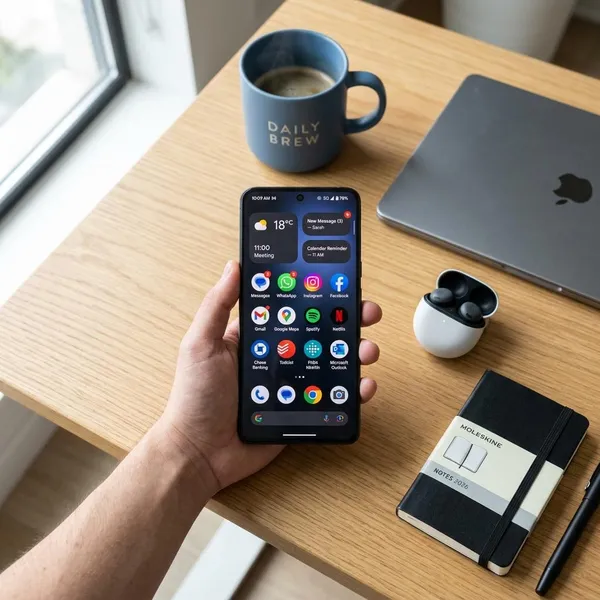
What Are the Best Android Smartphone Apps Right Now?
If you are setting up a new Android phone, start with apps that improve everyday use immediately. For most people, that means one AI helper, one task manager, one password manager, one secure messenger, one map app, one photo editor, one media player, and one file-sharing tool.
Gemini for AI Help
Gemini is useful when you need a quick draft, a simpler explanation, a travel outline, or a shorter version of messy notes. Treat it as a fast assistant, not a final source of truth, especially for anything involving money, health, legal rules, or technical instructions.
Todoist for Tasks
Todoist is the task app to try first if reminders disappear from your head as quickly as they arrive. You can add "pay internet bill Friday" or "call dentist tomorrow" in plain language and trust the app to catch it.
Bitwarden for Passwords
Bitwarden is one of the highest-impact installs because it fixes a common weak spot: reused passwords. Once autofill is working, signing in becomes easier and safer at the same time.
- Install it early if you are setting up a new phone.
- Use it gradually if you have hundreds of old logins to clean up.
- Protect the vault with a strong master password and two-factor authentication.
Signal for Private Messaging
Signal is the easiest privacy upgrade for conversations. It gives you encrypted messages and calls without making normal texting feel complicated, which makes it realistic to use with family members or friends who are not technical.
Google Maps for Navigation
Google Maps still earns its place for daily navigation because it combines routes, traffic, public transport, local search, opening hours, and reviews. If you commute, visit clients, drive kids around, or regularly change plans during the day, it removes a lot of small uncertainty.
Snapseed for Photo Editing
Snapseed is a strong free choice for quick photo fixes. It works well when a phone camera makes a picture too sharp, too dark, or too warm and you want a cleaner result without learning a professional editing workflow.
VLC for Video and Music
VLC is the media player to keep around if you play local files. It handles many audio and video formats, supports subtitles, and is especially handy for downloaded videos, transferred music, or files that your default player refuses to open.
LocalSend for File Sharing
LocalSend solves a very specific annoyance: moving files between nearby devices without cables, cloud uploads, or compressed messaging attachments. It is especially useful if you often move photos from your phone to a laptop or send documents between Android, Windows, macOS, and Linux devices on the same network.
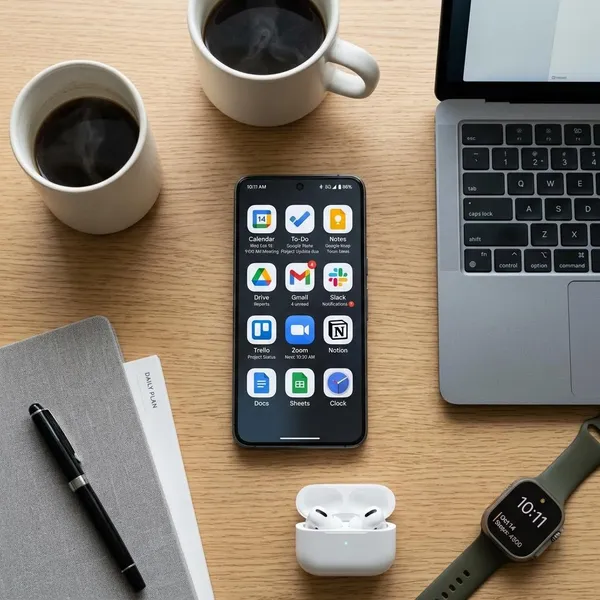
Best Android Apps for Productivity
A practical productivity setup needs roles, not clutter. Use one app for things you must do, one for information you need to keep, and one optional tool for drafting or research. Mixing everything into one giant system often feels impressive for a week and messy after that.
Todoist for Tasks and Reminders
Todoist is best when the item has a due date or needs action: call someone, renew a subscription, submit an assignment, buy groceries, or follow up on a work message.
Notion for Projects and Team Notes
Notion works better for projects with moving parts than for quick reminders. It can hold planning pages, meeting notes, project boards, shared documents, reading lists, and lightweight databases in one place.
| Use Notion when | Skip it when |
|---|---|
| You need shared project pages or team notes | You only want fast personal reminders |
| You like building dashboards and templates | You get distracted by setup and layout choices |
| Your work has documents, tasks, and references together | You prefer plain notes with minimal structure |
Obsidian for Personal Knowledge
Obsidian is for people who want long-term notes they can own and connect. It stores notes as local markdown files, which makes it appealing for journals, research, book notes, topic maps, and personal knowledge systems.
Gemini for Writing and Research
Gemini can speed up writing by turning rough notes into a draft, shortening a long message, suggesting questions for a meeting, or explaining a difficult topic at a simpler level.
- Good use: first drafts, outlines, summaries, brainstorming.
- Risky use: unchecked facts, legal wording, medical advice, financial decisions.
- Best habit: ask it to help, then verify and rewrite in your own words.
Best Android Apps for Privacy and Security
Privacy and security apps are worth installing only if they make safer habits easier. The highest-impact order for most Android users is clear: protect passwords first, add two-factor authentication, move sensitive chats to a safer messenger, then think about browser and VPN choices.
If you only want two changes today, start with Bitwarden and Signal. If you travel often, use public Wi-Fi, or manage important accounts from your phone, add Aegis and consider Proton VPN.
Bitwarden for Password Management
Bitwarden helps you stop using the same password everywhere. That matters because one leaked login can become a problem across email, shopping, banking, social media, and work accounts.
Signal for Secure Messaging
Signal is a sensible default for private conversations because encryption is built in from the start. It is most useful for chats where you would rather not rely on an ad-driven platform or a service that collects more account data than necessary.
Proton VPN for Private Browsing
Proton VPN is useful when you browse on networks you do not fully trust, such as hotel Wi-Fi, airports, cafes, libraries, or shared workspaces. It can reduce exposure on the local network, but it does not make you magically anonymous or protect you from every bad website.
Aegis for Two-Factor Authentication
Aegis is a strong two-factor authentication app for Android because it focuses on login codes and encrypted backups. The backup part is important: losing your phone should not mean losing access to every account protected by 2FA.
- Use it for: email, password manager, banking, cloud storage, work tools.
- Do not forget: store recovery codes somewhere safe outside the phone.
Firefox for More Browser Control
Firefox is worth trying if you want more control over browsing privacy, extensions, and tracking protection than your default setup offers. It is not necessary for everyone, but it is a good alternative for users who spend a lot of time reading, researching, shopping, or managing accounts in the browser.
Best Android Apps for Travel and Everyday Tasks
Travel and utility apps are easy to underestimate because they do not feel exciting. Then your storage fills up, your signal drops, a video file will not open, or you need to send a large file quickly. These apps are about avoiding small phone problems before they turn annoying.
Google Maps for Daily Navigation
Google Maps is still the practical choice for daily navigation. It helps with driving, walking, transit, nearby places, route changes, opening hours, and traffic, which makes it useful even when you are not technically "traveling."
Organic Maps for Offline Directions
Organic Maps is the app to install before you need it. Download the area in advance and you have a backup for road trips, hiking, foreign travel, underground transit, or places with weak mobile coverage.
It also suits people who want an offline map option with a lighter, more privacy-friendly feel. Keep Google Maps for rich local data and Organic Maps for the moment your connection disappears.
LocalSend for Wireless File Transfers
LocalSend is useful when cloud storage feels like too much work for a simple transfer. Open it on both devices, keep them on the same local network, and send the file directly.
For occasional users, it is handy for holiday photos or a PDF. For people who work across several devices every day, it can remove a repeated irritation from the routine.
Files by Google for Storage Cleanup
Files by Google is a practical cleanup app for people who do not want to dig through folders manually. It helps spot large files, downloads, duplicates, screenshots, and other items that may be safe to remove.
- Check large videos first if storage is nearly full.
- Review downloads because old PDFs and installers are easy to forget.
- Do not delete blindly if you are unsure where photos or documents are backed up.
Niagara Launcher for a Cleaner Home Screen
Niagara Launcher is for people whose phone feels cluttered before they even open an app. Its cleaner layout puts important apps closer and makes the home screen feel less like a wall of icons.
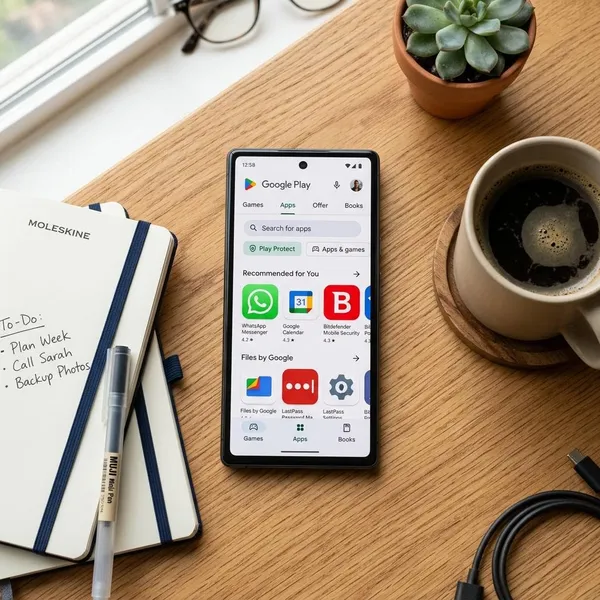
How to Choose Safe Android Apps
The safest Android setup is usually a smaller one. Before installing anything new, check who made it, when it was updated, what permissions it wants, how it makes money, and whether it behaves well after installation.
Check the Developer and Recent Updates
Look at the developer name before you install, especially for popular tools with copycat versions. A real developer should have a consistent app history, support page, website, or at least enough public information to feel traceable.
Review Permissions Before Installing
Permissions should match the app's purpose. A map app can reasonably ask for location. A messenger may need camera and microphone access. A calculator, wallpaper app, or flashlight tool should not need contacts, call logs, or constant background location.
Compare Free Features and Subscription Costs
Subscriptions are not automatically bad, but they should pay for something you use often. Before paying, test whether the free version solves a real problem and whether the upgrade removes a limit you actually hit.
| Payment sign | What it usually means |
|---|---|
| Useful free core features | Worth testing for a week or two |
| Trial required before basic use | Check cancellation terms carefully |
| Constant upgrade prompts | Often more annoying than helpful |
| One-time upgrade for a tool you use daily | May be better than another subscription |
Watch for Battery and Data Use
After installing a new app, check Android's battery and data settings over the next few days. A useful app should not suddenly become one of the biggest background users unless its job clearly explains why.
Remove Apps You No Longer Need
Unused apps still take space, hold permissions, send notifications, and sometimes keep accounts connected. A monthly cleanup is enough for most people: remove apps you have not opened, revoke permissions you no longer trust, and keep only the tools that still earn their spot.
- Keep apps you use weekly or that protect important accounts.
- Test apps that solve a current problem but are not proven yet.
- Remove apps that feel pushy, confusing, abandoned, or unnecessary.
Conclusion
A better Android setup usually starts with fewer apps, not more: pick a password manager, a task app, a private messenger, a navigation tool, and one or two utilities that match how you actually use your phone. If an app saves time, protects something important, or removes a repeated annoyance, keep it; if it only adds notifications, permissions, or another subscription to manage, let it go.