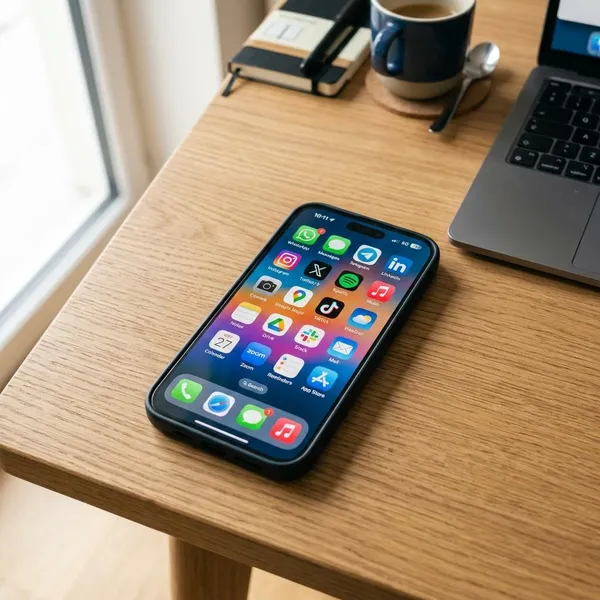
A smartphone can do much more than call and text: it can help you talk to people, find information, take photos, get directions, pay for things, study, work, and manage daily routines. The smartest place to start is not with dozens of apps, but with the basics you will use every day: a screen lock, contacts, messaging, maps, email, photos, and a few trusted tools.
What can you do on a smartphone?
You can use a smartphone as a communication device, camera, map, wallet, notebook, entertainment screen, and small work tool. It will not replace every device for every person, but for everyday tasks it often saves you from carrying a camera, paper planner, music player, printed map, and even some bank cards.
- Set up security first: use a PIN, fingerprint, or face unlock before adding banking, email, or payment apps.
- Add your main contacts: make calling, texting, and emergency contact easier.
- Connect email and calendar: this makes appointments, reminders, and documents easier to manage.
- Install only essential apps at first: maps, weather, messaging, banking, notes, and cloud backup are enough for many beginners.
- Check notifications: keep important alerts on, but turn off noisy apps that distract you.
Call and message people
Calling and messaging are still the simplest uses. A smartphone lets you make regular calls, send texts, share photos, record voice messages, and send your location when someone needs to find you.
The useful part is choosing the right method. A quick text is best for "I'm on my way," while a call is better when plans are changing fast or the message might be misunderstood.
Browse the web
A smartphone gives you web access through Wi-Fi or mobile data, so you can search for opening hours, compare prices, read instructions, check news, or look up a local service while you are away from a computer.
Use bookmarks for sites you visit often, and be careful with links in unexpected texts or emails. If a page asks for passwords, payment details, or personal information, it is worth checking that you are on the real website before continuing.
Take photos and videos
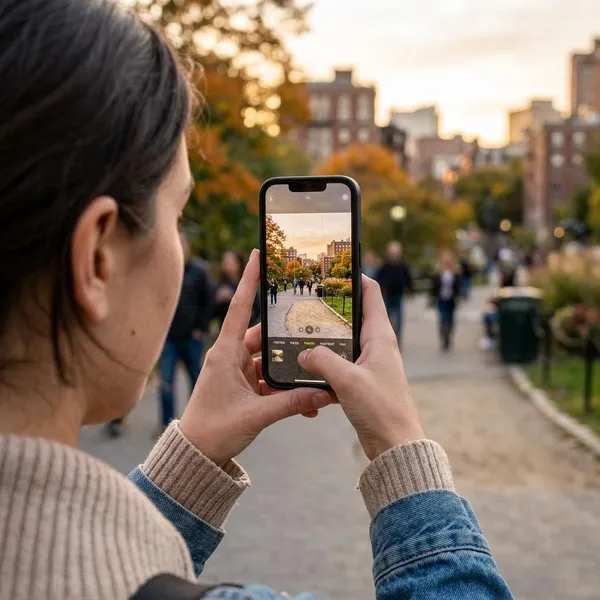
Your phone is often the camera you actually have with you. It is useful for family photos, short videos, receipts, parking spots, labels, handwritten notes, and anything you may need to remember later.
- Everyday memory: take a photo of a document, appliance model number, or luggage tag.
- Sharing: send photos quickly to family, friends, school, or work.
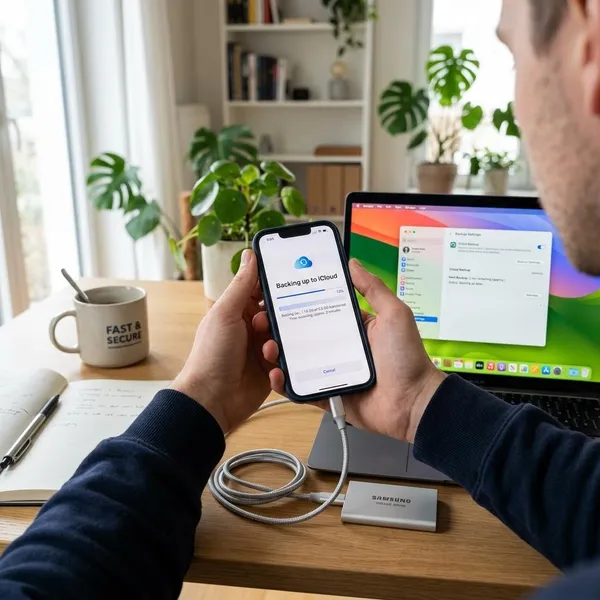
- Backup: turn on cloud backup if losing photos would be a problem.
Use maps and navigation
Maps are one of the most practical smartphone features. You can get driving, walking, cycling, or public transport directions, check estimated arrival times, and search for nearby shops, stations, restaurants, or services.
Stream music and video
A smartphone can be a small entertainment screen and music player. You can stream songs, podcasts, films, shows, tutorials, and short videos, or download some content before a flight or train journey.
Shop and make payments
You can shop online, compare prices, track deliveries, scan loyalty cards, and use mobile wallets in many stores. For quick errands, paying with your phone can be faster than finding a card or cash.
Manage everyday tasks
Reminders, alarms, notes, calendars, and task apps can turn a smartphone into a simple organizer. This is especially helpful if you forget small tasks, manage family schedules, or need quick notes while out of the house.

How can a smartphone help you communicate?
A smartphone helps you communicate because it gives you several ways to reach people from one device. You can call, text, email, video chat, send files, share photos, or use social apps depending on how urgent or formal the message is.
Make voice and video calls
Voice calls are still best when you need a fast answer. Video calls are better for family catch-ups, remote classes, work meetings, interviews, or helping someone fix a problem because both people can see what is happening.
If the call matters, use headphones, check your connection, and move somewhere quiet. A phone is fine for short meetings, but a laptop is usually more comfortable for long calls with documents or screen sharing.
Send texts and emails
Texts are useful for short, informal messages. Email is better when you need to send a file, keep a record, confirm a booking, reply to school, or handle work communication.
Use messaging apps
Messaging apps can combine chats, voice notes, photos, group messages, calls, and file sharing. They are useful for families, friend groups, school parents, hobby groups, and small work teams.
- Use groups carefully: mute busy chats if they distract you.
- Check privacy settings: control who can see your profile photo, status, or location.
- Think before forwarding: not every link, warning, or screenshot is reliable.
Connect on social media
Social media can help you follow friends, local businesses, community updates, school pages, public services, creators, and news sources. It is also a convenient way to message some businesses or discover local events.
The downside is that social apps are designed to keep your attention. If you mainly want practical updates, turn off nonessential notifications and avoid making every app visible on your home screen.
How can you use a smartphone for entertainment?
A smartphone can be used for entertainment whenever you have spare time: watching videos, listening to music, playing games, reading books, following news, or catching up on podcasts. It works best when you treat it as a flexible option, not as something that has to fill every quiet moment.
Watch movies and videos
You can watch films, TV episodes, tutorials, sports clips, and short videos on a smartphone. It is convenient for travel, waiting rooms, or a quiet evening when you do not want to use a TV.
Listen to music and podcasts
Music and podcasts are some of the easiest smartphone uses because you do not need to look at the screen. You can listen while walking, cleaning, cooking, exercising, commuting, or relaxing.
Play mobile games
Mobile games range from simple puzzles to competitive multiplayer games. Quick games are good for short breaks, while heavier games may need more storage, stronger performance, and more battery.
Read books and news
A smartphone can be used for ebooks, articles, newsletters, saved pages, and daily news. Adjustable text size and dark mode make reading easier, especially at night or on public transport.
For news, choose a few reliable sources instead of scrolling endlessly through headlines. For books, try shorter reading sessions; a phone is convenient, but it can also be distracting if notifications keep appearing.
How can a smartphone help with work and school?
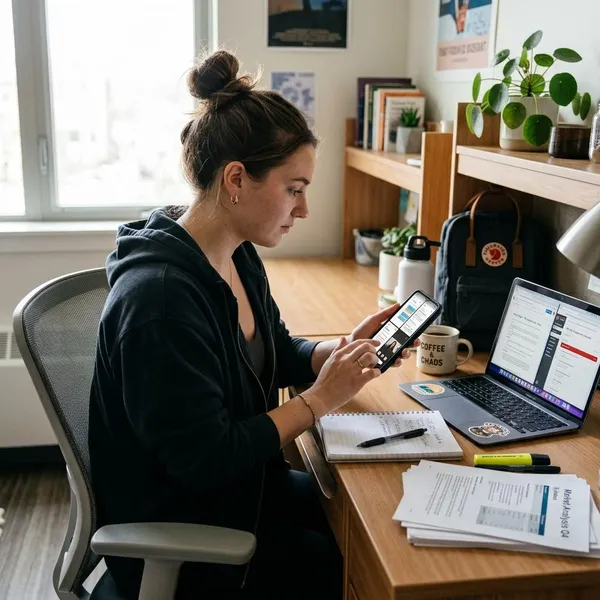
A smartphone can help with work and school by keeping email, documents, calendars, notes, meetings, and learning apps within reach. It is best for quick access and small tasks, not for every serious project.
Check email and documents
You can read email, reply quickly, open PDFs, review shared files, and download attachments from a smartphone. This is useful when you are away from your desk and only need to confirm details or give a short answer.
For anything sensitive, be careful where you open files. A crowded train, shared phone, or unsecured public Wi-Fi is not the best place to handle private work, school, or financial documents.
Join video meetings
A smartphone can join video meetings through common meeting apps or browser links. It is handy when your laptop is unavailable, you are traveling, or you only need to listen and speak briefly.
Take notes and scan documents
Notes apps are useful for ideas, homework reminders, shopping lists, meeting points, and quick plans. Because the phone is usually nearby, it is easier to capture something immediately instead of hoping you remember it later.
The camera can also scan documents such as receipts, forms, homework pages, labels, or signed papers. Good lighting and a flat surface make a bigger difference than most app features.
Manage calendars and reminders
Calendar and reminder apps help you track classes, appointments, work shifts, deadlines, bills, and recurring tasks. Set alerts early enough to act, not just at the moment something is due.
- For appointments: add the address and travel time.
- For deadlines: set one reminder before the final day.
- For habits: use recurring reminders, but delete ones you keep ignoring.
Access learning apps
Learning apps can support language practice, flashcards, course portals, recorded lessons, calculators, and short quizzes. They are most useful when you use them in small, regular sessions rather than waiting for a long free afternoon.
A student might review flashcards on the bus, while an adult learner might listen to a lesson during a walk. Those small sessions add up, but they work best when the phone is not constantly interrupted by games or social notifications.

How can a smartphone help in daily life?
A smartphone helps in daily life by making small tasks faster: checking weather, finding routes, paying, banking, shopping, tracking activity, storing tickets, and controlling connected home devices. The real value is not one big feature, but the way several small tools work together during a normal day.
Get directions with GPS
GPS and map apps can guide you while driving, walking, cycling, or using public transport. You can search for a destination, compare routes, check estimated arrival time, and save places you visit often.
Do not wait until you are lost to check the route. If you are going somewhere new, look at the route before leaving, make sure your phone has enough battery, and consider downloading offline maps if reception may be poor.
Check weather and traffic
Weather and traffic checks help you decide when to leave, what to wear, whether to bring an umbrella, and which route to take. This is one of the simplest but most useful daily habits.
For normal errands, a quick forecast is enough. For travel, outdoor plans, or severe weather, check a trusted local source and alerts rather than relying only on a lock-screen summary.
Shop and bank online
A smartphone can handle online shopping, price comparison, delivery tracking, account checks, transfers, bill payments, and banking alerts. It is convenient because you can deal with routine tasks without waiting to sit at a computer.
Use official store and bank apps when possible, keep your phone updated, and avoid rushing financial actions from unexpected links. If a message pressures you to "verify" or "pay now," open the app directly instead of tapping the link.
Pay with your phone
Mobile payment apps let you tap your phone at supported terminals, store some loyalty cards, and sometimes keep tickets or boarding passes in one place. This is useful when you want to carry less or move through checkout quickly.
Keep a backup payment method if you are traveling, your battery is low, or you are not sure a store accepts phone payments. A smartphone wallet is convenient, but it should not be your only option in every situation.
Track health and fitness
Many phones can count steps, log workouts, track sleep patterns, remind you to move, or connect with a smartwatch or fitness band. For most people, the most useful starting point is simple activity awareness, not chasing perfect numbers.
Health data from a phone can be helpful for habits, but it should not replace medical advice. If a reading or symptom worries you, use the phone to record details and contact a qualified professional rather than treating the app as a diagnosis.
Control smart home devices
A smartphone can control smart lights, plugs, thermostats, speakers, cameras, doorbells, and other connected devices through their apps. This can be convenient if you want to turn things off remotely, check a camera, or adjust the home before you arrive.
Start small if you are new to smart home devices. A smart plug or light is easier to manage than a house full of connected gear, and every device should have a strong password and updated app.
Conclusion
A smartphone is most useful when it is set up around your real life, not filled with every app you can find. Secure it first, add the tools you need most, and use it for the tasks where it genuinely saves time: communication, directions, photos, reminders, payments, learning, and quick daily checks.